
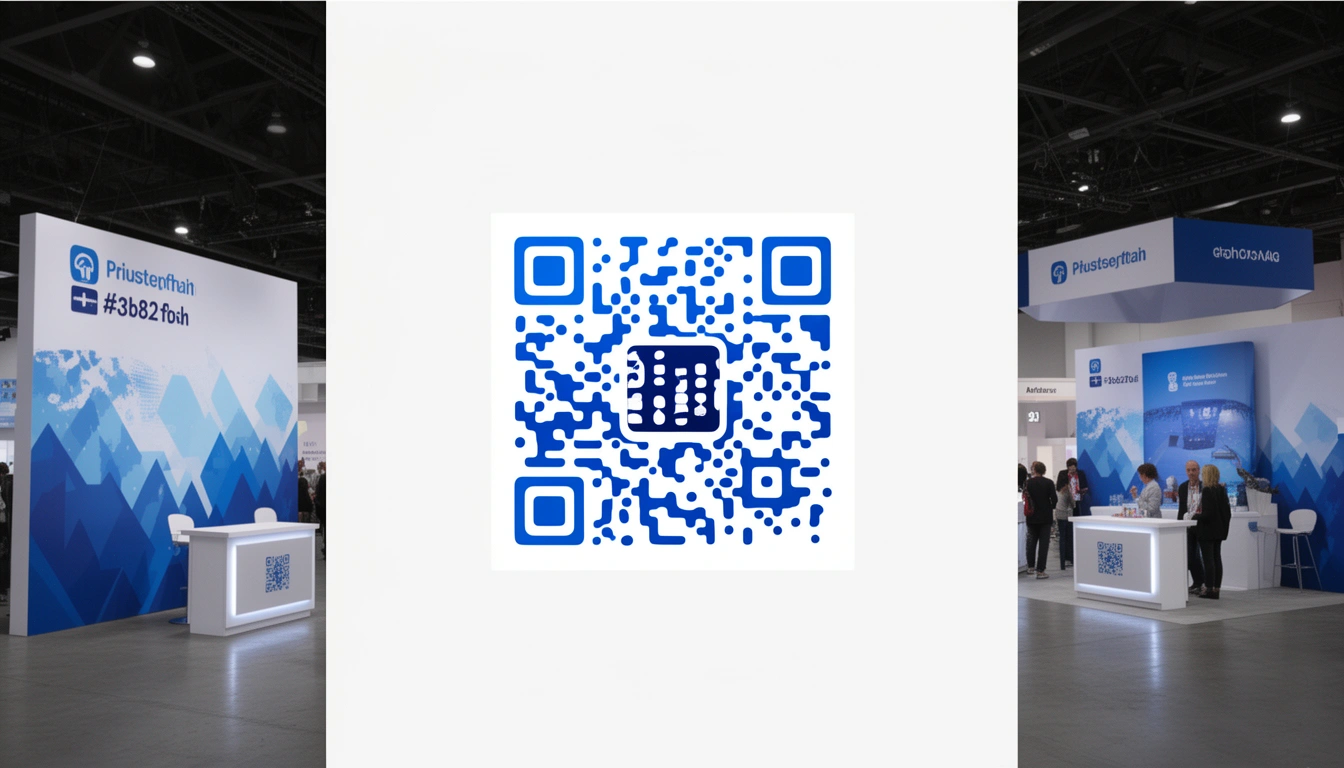
QR codes are everywhere now. Restaurant menus, product packaging, conference booths. But there's a real difference between slapping a generic black-and-white code on something and taking the time to put your logo in the center. One looks like you care about details. The other looks like you generated it five minutes before the event.
I've walked through enough trade shows to notice something: the booths that feel polished and consistent across every touchpoint banners, cards, digital elements are usually the ones having serious conversations. The QR code is part of that picture whether you think about it or not.
Why logo-centered QR codes get scanned more often
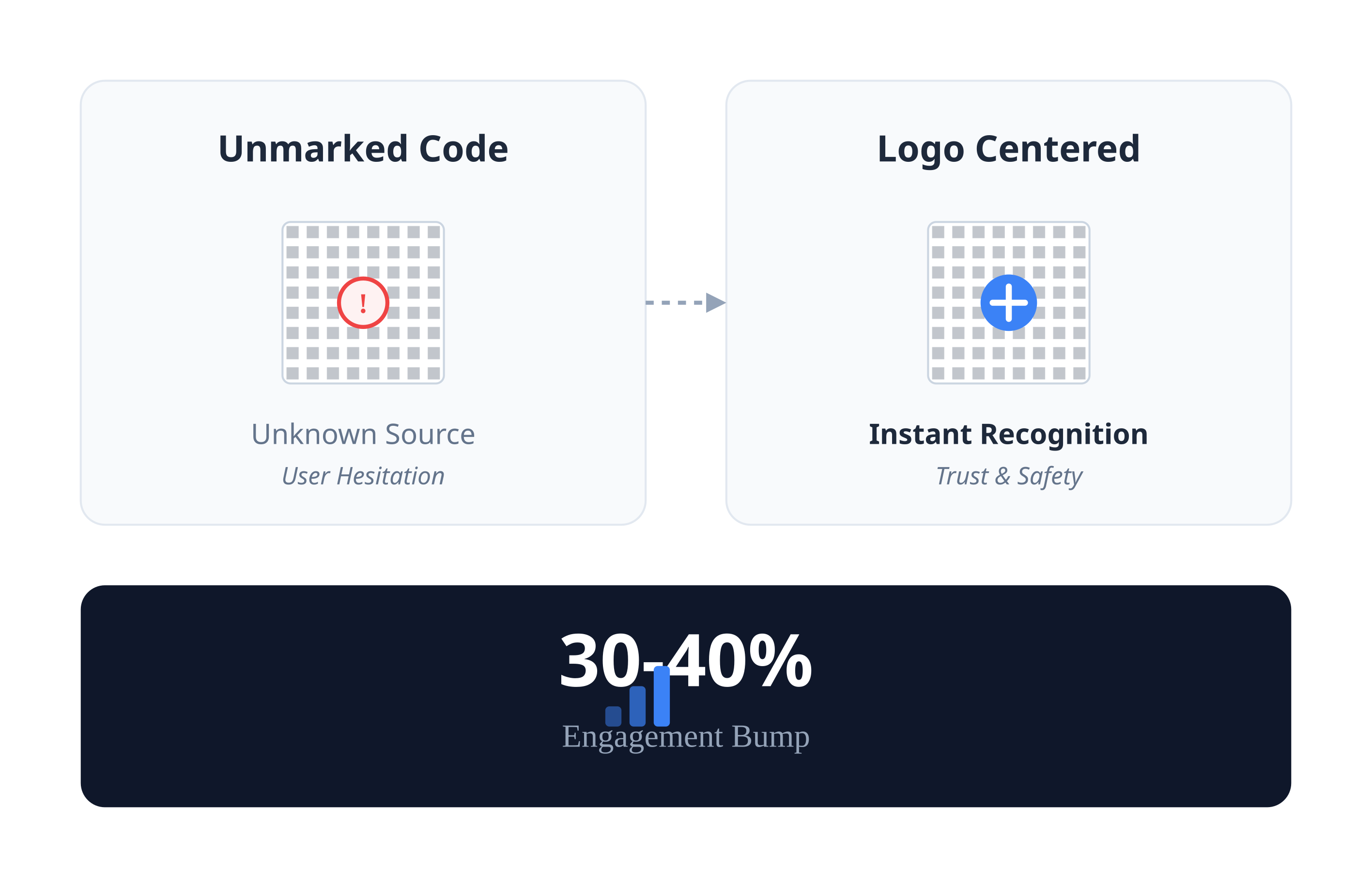
People are weirdly hesitant to scan unmarked QR codes. I don't entirely blame them security concerns are real, and you don't know where that thing leads. A code with a recognizable logo cuts through some of that hesitation because it tells you immediately who's behind it.
Consumer behavior research puts the engagement bump at roughly 30-40% for branded elements versus generic ones. I can't verify that exact number, but it tracks with what I've seen. If you're walking past a booth and see a code with a logo you recognize, you're more likely to pull out your phone.
There's also a branding play here even when people don't scan. They see your logo. That counts. Familiarity builds trust slowly, even if the interaction is just glancing at a code and walking past.
What a branded QR code says about you
A logo-centered QR code shows a few things, intentionally or not:
You think through details. If the QR code matches your brand, you probably think through other things too.
You invest in quality. Custom codes require more effort than the free generic ones, and people notice that.
You understand modern marketing. This matters more in tech-forward industries where everyone's evaluating everyone else's sophistication.
When someone scrolls through photos of booths later, they'll recognize your brand.
How the logo thing actually works
Adding a logo doesn't break the QR code because of error correction. QR codes have redundancy built in up to about 30% of the code can be damaged or obscured and still scan.
When you place a logo in the center, you're using some of that error correction capacity. The logo covers part of the data area, but enough pattern remains for scanners to reconstruct the full content. Size matters here. Too big and it won't scan. Too small and nobody can tell it's your logo.
Modern generators like Smler handle this automatically calculating the right balance between visibility and reliability so you don't have to think about it.
Getting the technical details right
Some practical guidelines that actually matter:
Logo size. Aim for 10-15% of the total QR code area. I've seen people push this and end up with codes that scan inconsistently.
Contrast. Black on white scans best. You can use brand colors if contrast stays strong, but don't get clever at the cost of functionality.
Logo quality. High-res file only. A blurry logo looks worse than no logo at all.
Background. If printing on colored or textured material, test under those conditions. Add a white border if the background interferes.
Placement. Eye-level at a booth. People shouldn't have to crouch or reach awkwardly.
Tell people what they're getting. "Scan for demo" works better than a mystery code.
Using QR codes at expos
Expos are about capturing leads and starting conversations. Your QR code strategy should match that.
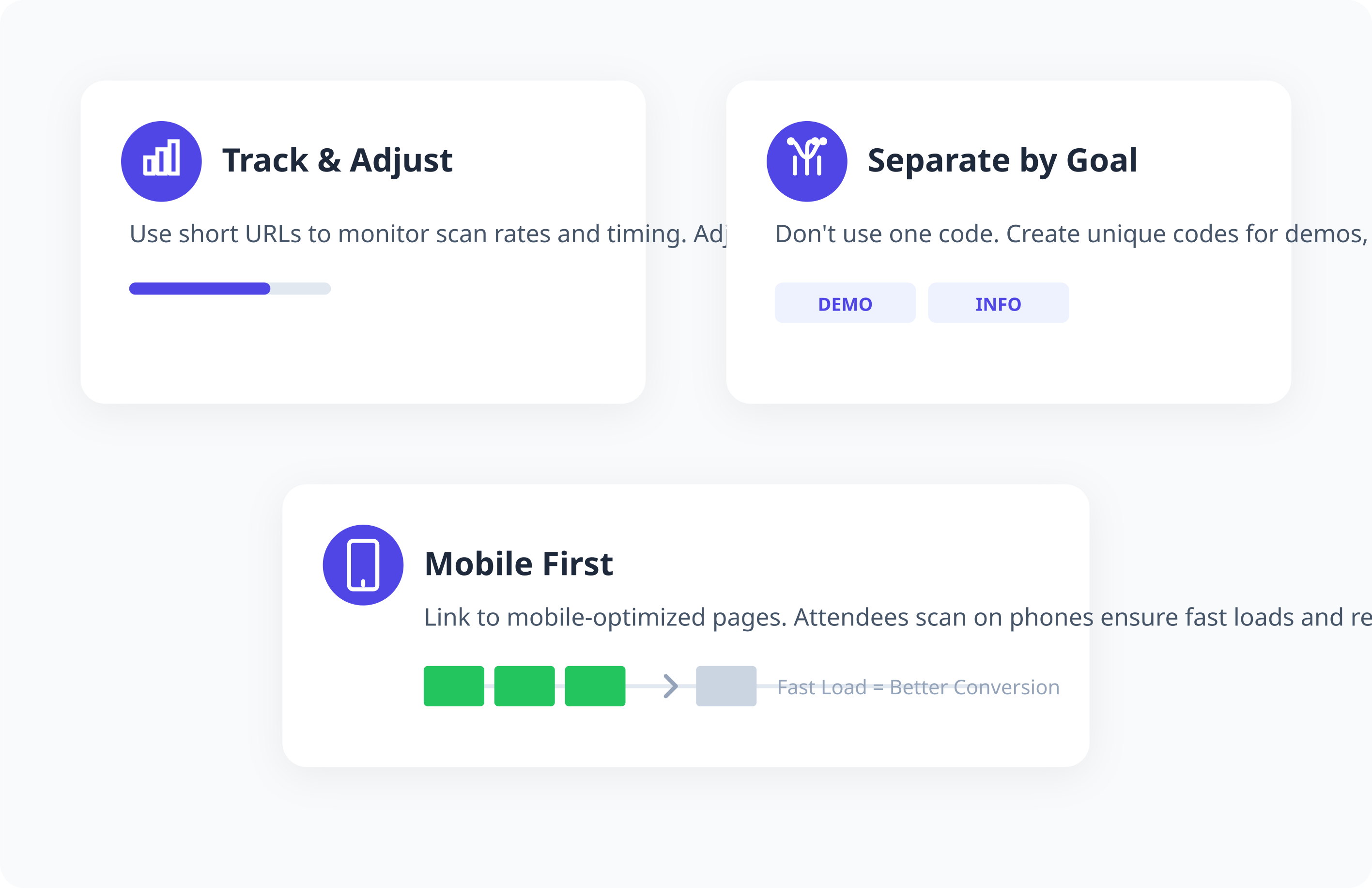
Use trackable codes connected to shortened URLs. This lets you see scan rates, timing, and rough geographic patterns. You'll know when people scanned useful for adjusting strategy mid-event if you're running multiple days.
Don't use one code for everything. Create separate codes for product info, demo scheduling, contact capture. This tells you what people actually wanted, which is data you can use.
Link to mobile-optimized pages. Everyone scans on their phone. If your landing page loads slowly or looks broken on mobile, you've wasted the scan. Device-based routing through Smler sends iOS users to the App Store and Android users to Google Play, which removes a step.
Beyond expos
Expo booths are the obvious use case, but logo-centered QR codes help elsewhere:
Product packaging. A branded code for manuals, warranty registration, or authenticity checks. Elevates how the product feels.
Business cards. A QR code that shares your digital contact card is cleaner than cramming more text on limited space.
Print ads. Magazine ads and flyers become interactive without cluttering the design.
Point-of-sale displays. Product details and reviews via QR code keep the physical space clean.
Testing before you print
Test your codes on multiple devices and scanning apps before the event. Most smartphones scan natively now, but variations exist and it takes five minutes to verify.
Convention center lighting is its own thing fluorescent, spotlights, weird shadows from banners. Test under conditions that match reality.
Print samples at actual size on your final material. Codes behave differently on glossy versus matte paper, fabric banners, vinyl stickers. What works on your screen might not work when printed.
Check your destination URLs on both cellular data and convention center Wi-Fi (which is often terrible). A code that links to a slow or broken page undermines everything else.
Measuring whether it's working
Your URL shortener analytics give you actual numbers.
Track total scans against booth visitors or materials distributed. If you handed out 500 flyers and got 175 scans, that's 35% engagement. Useful for planning next time.
Scan timing tells you when interest peaked. If scans cluster after certain presentations, you can adjust booth staffing.
Geographic data shows whether people scanned immediately or waited until they got back to their offices. That informs follow-up timing.
Device breakdowns tell you iOS versus Android ratios, which might matter for app priorities.
Connecting to your other systems
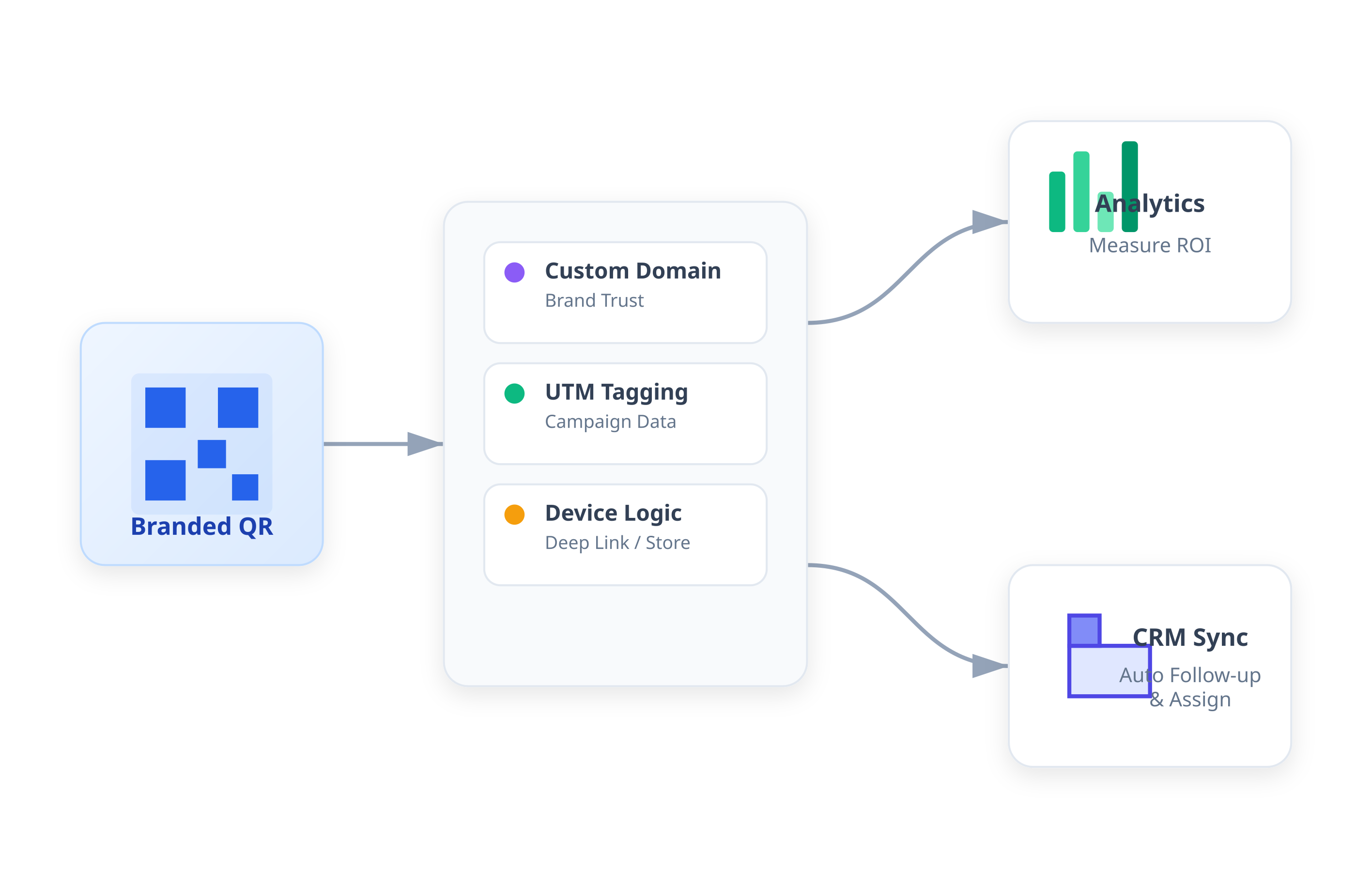
Logo-centered QR codes work better when they're part of something larger, not a standalone thing.
Link codes to UTM-tagged URLs that feed into your analytics. This shows how expo traffic fits into broader campaign performance.
Use custom domains for shortened URLs. "expo.yourcompany.com/product-demo" looks better than a random short domain.
Device-based routing creates a better experience. Someone with your app installed gets deep-linked; someone without goes to the app store.
Connect scans to your CRM through webhooks. A scan can trigger follow-up sequences or assign leads to reps automatically.
Common mistakes
Logo too big. I've seen this one a lot. Enthusiasm for branding pushes the size past what scans reliably. Stay in that 10-15% range.
No testing. Assuming codes work because they worked on screen. Print is different.
Unclear value. People won't scan a mystery code. Tell them what they're getting.
Bad landing pages. Slow loads, broken mobile layouts, irrelevant content. You earned the scan. Don't waste it.
No analytics. If you're not tracking, you're guessing.
Static codes. If you can't update the destination after printing, you lose flexibility. Use dynamic codes connected to editable short URLs.
What's coming
QR codes keep evolving. Augmented reality integrations, AI-powered personalization, enhanced security. The specifics are still shaking out, but the fundamentals good branding, proper tracking, clean execution aren't going anywhere.
Your QR codes represent your company. At events, on products, across marketing materials. They shouldn't be an afterthought.
Your competitors at that expo are already using QR codes. The question is whether yours look like you thought about them. A logo-centered code is a small investment that shifts that perception.
FAQ
Will adding my logo make the QR code less reliable?
Not if you do it right. QR codes have error correction that allows up to 30% of the code to be obscured. Keep your logo to 10-15% of the total area and test before printing.
Can I use any image as a logo?
Technically yes. But using your actual logo is the point it provides brand recognition. High-resolution version only.
How do I track scans at an event?
Use a platform that generates trackable shortened URLs with built-in analytics. Smler gives you total scans, locations, devices, timing.
What size for trade show materials?
Depends on scanning distance. Business cards and flyers at arm's length: 1-1.5 inches. Booth banners from 3-6 feet: 3-4 inches. Keep the logo-to-code ratio consistent.
Can I change where my QR code directs after printing?
Yes, if you used a dynamic QR code linked to a shortened URL. You can swap destinations without reprinting. Useful for fixing broken links mid-event.
Do logo-centered QR codes work with all phones?
Most modern smartphones scan QR codes natively. Logo-centered codes work fine with these. Test on both iOS and Android plus a few third-party scanning apps before your event.
Published with LeafPad