
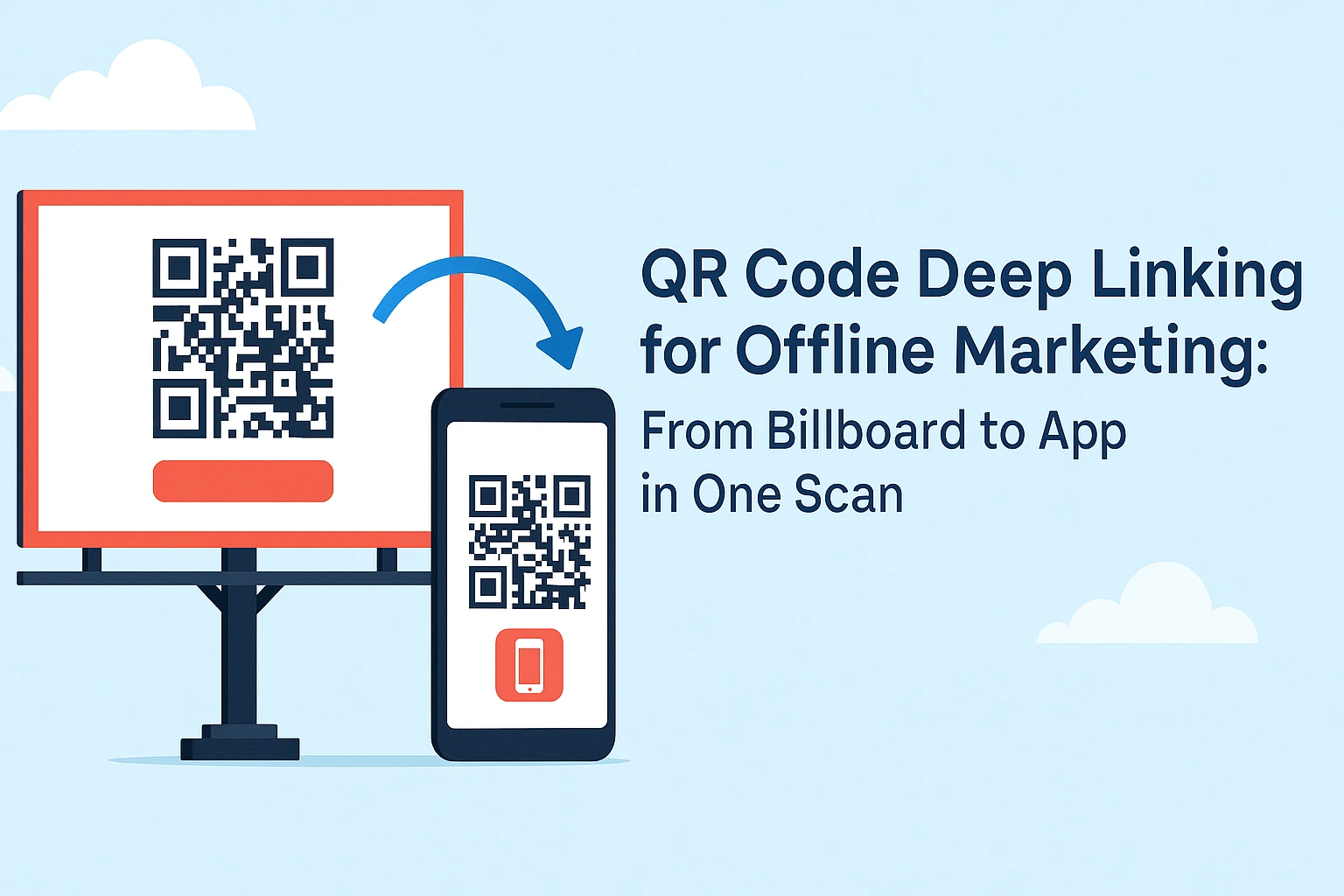
QR codes stopped being a gimmick years ago. In 2026, they're the fastest bridge between a physical touchpoint — a poster, a receipt, a product box, a table tent — and one specific screen inside your mobile app. Pair a QR code with a deep link and you can take someone from glancing at a billboard to completing a purchase inside your app in under 10 seconds.
What changed in this update: deferred deep linking is now table stakes rather than a differentiator, marketers expect scan-level analytics instead of raw scan counts, and more teams are comparing lightweight tools against enterprise attribution platforms before committing. This guide has been refreshed to reflect how QR code deep linking actually works today, with new sections on printed QR codes, analytics, and tool comparisons.
What Is a QR Code Deep Link?
A QR code deep link is a QR code that encodes a deep link instead of a plain web URL — so scanning it opens a specific screen inside your app, not just the home screen. Instead of "open the app," the code can say "open the app to this exact product, offer, or article."
If the user doesn't have your app installed, the same deep link can redirect them to the App Store or Google Play first. Once they install and open the app, they land exactly where the QR code intended — this is called deferred deep linking, and it's what separates a modern "app deep link QR code" from an old-school QR code that just opens a browser tab.
Want the technical breakdown? See our complete deep linking guide.
Why Does Offline Marketing Need QR Code Deep Linking?
Because the gap between "I noticed your ad" and "I took action" is where most offline marketing budget dies. A QR code with a deep link closes that gap: scan, tap, done — no typing a URL, no searching for your brand in an app store.
Instant gratification: users go from interested to inside your app in seconds, with zero typing or searching.
Trackable results: every scan is measurable, so you know whether the poster in Mumbai outperformed the one in Delhi, and can calculate ROI per flyer, per package, per location.
Personalization by context: the same physical placement can send different audiences to different places — a gym poster opens a workout plan, a restaurant table tent opens a menu, and location-aware links can route a scan in the US differently than one in Europe.
Works for everyone: new users get routed to install your app; existing users skip straight to the content, no wasted steps either way.
Real-World QR Code Deep Linking Examples by Industry
The pattern repeats across every industry: put the code where people naturally pause, and send the deep link to the most specific screen possible.
| Industry | Where the QR Code Lives | Where the Deep Link Sends Users |
|---|---|---|
| Retail & apparel | Price tags, packaging | That exact product's page, with size/color availability |
| Restaurants & food delivery | Table tents, receipts, delivery boxes | Menu, reorder screen, or a post-meal review/discount flow |
| Real estate | Yard signs, brochures | Virtual tour, pricing, and a scheduling screen |
| Events & conferences | Badges, booth signage, session posters | Speaker slides, exhibitor contact card, or a show-only offer |
| Fitness & gyms | Equipment, class posters | A guided workout program or one-tap class booking |
Notice the common thread: none of these send users to a generic app home screen. Every one of them lands on the specific screen that matches what the person was already looking at when they scanned.
How to Create a QR Code Deep Link (Step-by-Step)
- Define your deep link structure. Decide the exact screen or action, not just "open the app." Examples:
app://product/winter-jacket-blue,app://offer/welcome-20,app://location/store-bangalore,app://video/yoga-tutorial-5. - Build the deep link. A tool like Smler creates one shortened deep link that handles iOS and Android in a single URL, and falls back to the App Store or Play Store for users who don't have the app yet. You'll configure your iOS Universal Link, Android App Link, web fallback URL, and any tracking parameters. See the deep linking documentation for setup details.
- Generate the QR code. Once your deep link exists, turn it into a QR code with a deeplink QR code generator like Smler's free tool. Keep it at least 2cm x 2cm for print, high contrast (black on white is safest), and always test-scan it before it goes to print.
- Add context and a call-to-action. A bare code with "Scan Me" underperforms. Tell people what happens: "Scan for 20% off your first order," "Scan to book your free trial class," "Scan to see this in AR."
- Track with UTM parameters. Use a free UTM builder to tag each placement by location, campaign, and channel. With a dynamic link, you can change these parameters even after the QR codes are printed and distributed — that's the point of not baking a static URL into every poster.
How Do You Deep Link From Printed QR Codes?
The core rule for printed QR codes: never point them at a static, hard-coded URL you can't change later. Once a poster, sign, or package is printed, you can't edit the code itself — but you can change where a dynamic link points, which is the only practical way to fix mistakes or run seasonal updates without reprinting.
- Use a dynamic short link, not a raw deep link scheme. If the destination or campaign changes, you update the link's target in your dashboard — the physical QR code stays exactly the same.
- Always set a web fallback. Print materials get scanned by people without your app installed, people on desktop cameras, and people testing the code before a meeting — a fallback URL keeps all of them from hitting a dead end.
- Plan for weak or no connectivity. Scans at events, in elevators, or in basements may happen on patchy signal. Keep the fallback page lightweight so it still loads on a slow connection.
- Test on the actual print material. Glossy, reflective, or curved surfaces (like bottles) can cause scan failures that never show up when you test on a screen — test the printed proof, not just the digital file.
- Match code size to scan distance. A rough rule: the intended scanning distance should be about 10 times the width of the QR code itself.
QR Code Deep Linking Analytics: What to Track and Why
The metric that actually matters isn't "total scans" — it's what happened after the scan. Scan count tells you whether people noticed your placement; conversion and install data tell you whether the placement was worth the print budget.
Track these together, not in isolation:
- Scan rate: total scans against estimated impressions (foot traffic, print run size) — tells you if the code itself is noticeable.
- App install rate: the percentage of scans that resulted in a new install, which separates "people are curious" from "people convert."
- Conversion rate: the percentage of scans that completed the action you actually wanted — a purchase, a booking, a sign-up.
- Location performance: comparing scan and conversion rates across physical placements to find which spots deserve more budget.
- Device and OS breakdown, plus time-of-day trends: useful for deciding when to run limited-time offers and which app store listing needs the most polish.
For example, a retail chain running the same in-store poster across ten locations might see similar scan rates everywhere but a much higher conversion rate at three stores — that's a signal to look at staffing, foot traffic quality, or shelf placement at those three, not just the QR code design. Smler's link-level analytics dashboard breaks all of this down by geography, device, and time without any extra setup.
Design Best Practices for QR Code Campaigns
Good QR code design is mostly about removing friction before the scan even happens.
- Size and placement: put codes where people naturally pause — checkout counters, waiting areas, table tents, elevators — never where they're rushing past.
- Contrast and branding: custom colors and a centered logo are fine as long as contrast stays high; a QR code generator with branding options makes this easy without breaking scannability.
- Mobile-first conditions: leave generous white space around the code, keep the surface flat and matte (reflective surfaces cause scan failures), and assume the person scanning is in imperfect lighting.
Smler vs Branch vs Airbridge for QR Code Deep Linking
Branch and Airbridge are built primarily as mobile attribution and growth analytics suites, with deep linking as one part of a larger SDK-based platform. Smler is built specifically for teams who want QR code deep links live in minutes, without an SDK integration project.
| Factor | Smler | Branch | Airbridge |
|---|---|---|---|
| Core focus | Fast deep links, QR codes, and URL shortening for teams of any size | Enterprise mobile attribution and deep linking | Mobile growth analytics with deep linking built in |
| Setup for basic QR deep links | Minutes, no SDK required | Typically requires SDK integration for full attribution | Typically requires SDK integration for full attribution |
| Custom/branded domains | Yes | Yes | Yes |
| India TRAI/DLT-compliant headers | Yes | Not a core focus | Not a core focus |
| Best fit | Small-to-mid teams running QR/offline campaigns fast | Large apps needing deep ad-network attribution | Growth teams wanting analytics and deep links in one suite |
If you're evaluating Branch or Airbridge for branded links and QR codes purely for offline marketing use cases, the honest tradeoff is setup complexity versus attribution depth: their platforms do more, but Smler gets a QR code deep link live without an engineering sprint.
Common Mistakes to Avoid With QR Code Deep Links
- No value proposition: a bare "Scan Me" underperforms — always tell people what's in it for them.
- Untested links: confirm the code works on both iOS and Android and opens the correct in-app screen before you print anything.
- Poor placement: a QR code on a highway billboard people pass at speed is wasted print — put codes where people can safely stop.
- Ignoring analytics: if you're not checking scan and conversion data regularly, you can't tell winners from losers — review it on a set schedule and double down on what works.
FAQ: QR Code Deep Linking Questions Answered
What is a deep link QR code?
A deep link QR code is a QR code that opens a specific screen inside your app — a product, offer, or piece of content — instead of just the app's home screen. If the app isn't installed, it can redirect to the app store first, then land the user on that same screen after install.
How do I use a deeplink QR code generator?
Create the deep link first (defining the exact in-app destination and fallback URL), then paste that link into a QR code generator to produce a scannable image. Tools like Smler combine both steps, so the QR code always points at a link you can still edit later.
How can I track QR code deep linking analytics?
Use a platform that logs each scan with location, device, OS, and timestamp, then ties scans to installs and conversions. Track scan rate, install rate, and conversion rate separately — a high scan count with low conversions usually points to a placement or offer problem, not a QR code problem.
How do you deep link from printed QR codes?
Point the printed code at a dynamic short link rather than a hard-coded URL, so you can change the destination without reprinting. Always include a web fallback for users without the app, and test the code on the actual printed material and surface before mass production.
Is Smler a good alternative to Branch or Airbridge for QR codes?
For teams that mainly need fast, branded QR code deep links without an SDK integration project, yes — Smler covers that use case directly. Branch and Airbridge offer deeper ad-network attribution, which matters more if that's your primary need rather than offline QR campaigns.
Getting Started
QR code deep linking turns offline marketing from a one-way broadcast into something trackable and interactive. Start with one high-traffic location, one specific offer, and one dynamic deep link. Generate the QR code with Smler's free QR code generator, tag it with a UTM builder, watch the analytics, and iterate before you scale to a second location.
Ready to turn your offline marketing into an app growth channel? Create your first QR code deep link with Smler.
Published with LeafPad