
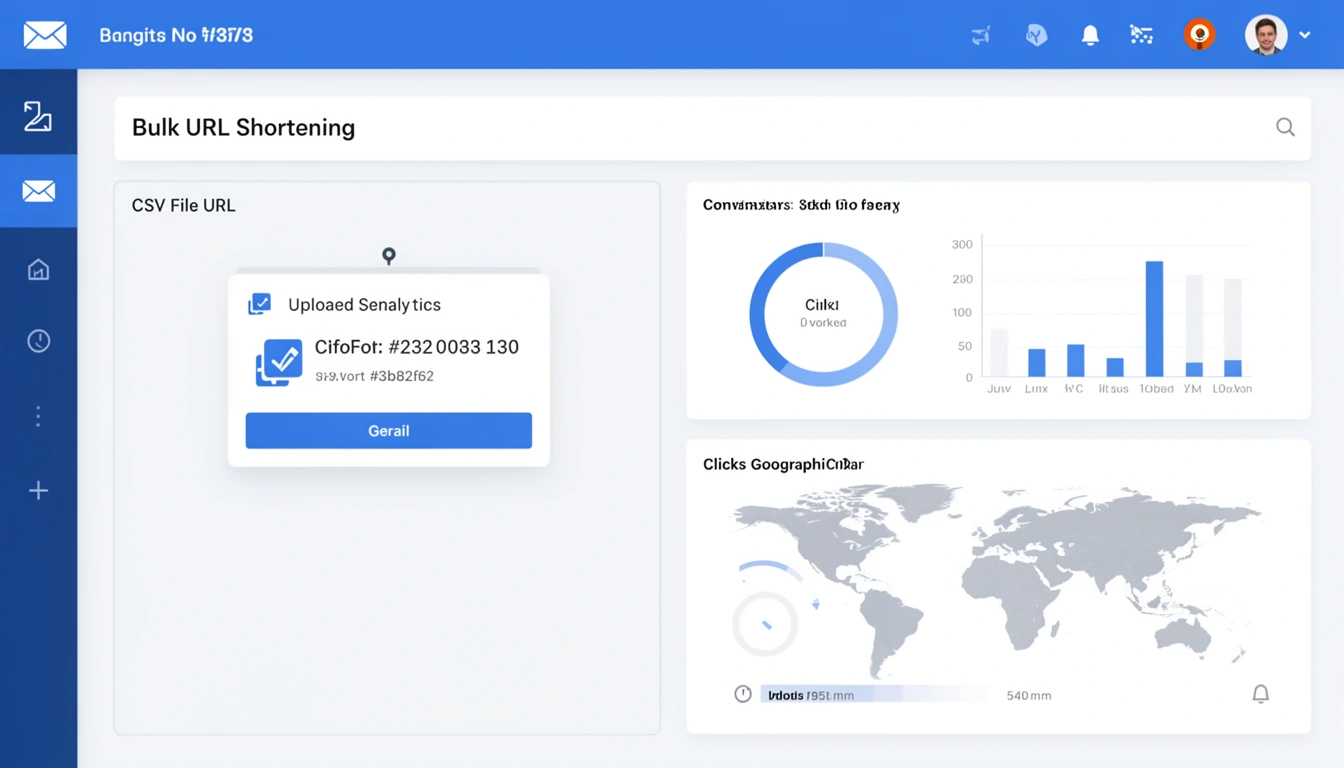
A bulk campaign tool lets you shorten hundreds or thousands of email tracking links in one pass instead of creating them one at a time. This guide shows you exactly how to shorten a url in bulk for email campaigns using CSV uploads or the API, and how to keep every one of those links out of spam filters once your campaign ships.
Email marketing remains one of the highest-ROI channels in 2026, but managing hundreds or thousands of unique tracking links can quickly become a nightmare. Whether you're running promotional campaigns, newsletters, or transactional emails, bulk URL shortening is essential for maintaining clean messaging, tracking engagement, and maximizing deliverability.
Why Bulk URL Shortening Matters for Email Campaigns
Long, complex URLs hurt email performance in multiple ways. They break email layouts, look unprofessional, trigger spam filters, and make tracking nearly impossible at scale. When you're sending personalized emails to thousands of recipients with unique tracking parameters, manually shortening each link simply isn't feasible.
Bulk URL shortening solves these problems by letting you process hundreds or thousands of links simultaneously while maintaining consistent branding and comprehensive analytics across your entire campaign.
How Do You Shorten a URL in Bulk for Email Campaigns?
There are two practical ways to shorten a url in bulk for email campaigns with Smler: upload a spreadsheet, or call the API. Which one you use depends on whether a person or a system is generating your links.
Method 1: CSV/XLSX File Upload
For marketers who prefer a visual approach, Smler's bulk shortening feature accepts CSV or XLSX files containing your campaign URLs. Create a spreadsheet with your long URLs, optional custom slugs, and any UTM parameters, then upload it to generate hundreds of short links in seconds.
This method is perfect for one-time campaigns or teams without technical resources. You'll receive a downloadable file containing all your shortened URLs, ready to merge into your email templates.
Method 2: API Integration
For automated workflows and high-volume senders, Smler's API enables programmatic link shortening directly within your email marketing platform. Integrate the API into your campaign builder to automatically shorten URLs as emails are personalized and sent.
This approach works seamlessly with platforms like SendGrid, Mailchimp, or custom email systems, letting you generate a unique tracking link for each recipient without manual intervention. The API returns shortened URLs instantly, keeping your sending speed intact while adding link-level analytics.
What Is the Best Bulk Campaign Tool for Email Link Tracking?
A good bulk campaign tool does three things at once: it shortens links at volume, keeps every link on your own branded domain, and reports on clicks without extra setup. That combination is what separates a true bulk campaign tool from a basic link shortener that only handles one URL at a time.
Every shortened link created through Smler includes link-level analytics automatically, so you don't need to bolt on a separate reporting layer after the campaign sends. You'll see how many clicks each link receives, when those clicks happen, geographic distribution of your audience, and device and browser breakdowns, all tied back to the individual link rather than the campaign as a whole.
This granular data turns your email campaigns from broadcast messages into intelligence-gathering operations. You can identify which subject lines drive engagement, which content resonates with specific segments, and which CTAs convert best, all without leaving the dashboard.
Connecting Email Clicks to App Installs
For mobile app marketers, Smler's deep linking capabilities let you track the complete user journey from email click to app installation and beyond. By implementing deferred deep linking, you can attribute app installs directly to specific email campaigns.
When a user clicks your shortened link from an email, Smler detects whether they have your app installed. If not, they're directed to the App Store or Play Store, and after installation they land directly on the relevant in-app content. This seamless experience improves conversion rates while giving you attribution data that connects email engagement to app growth.
How Do Custom Domains Improve Email Deliverability?
Using your own branded subdomain instead of a generic shortener is the single change most likely to improve inbox placement for link-heavy email campaigns. Generic shorteners such as bit.ly or tinyurl.com signal to spam filters that you might be hiding a malicious destination, which can quietly reduce deliverability without any obvious warning sign. We cover the most common ways a shortener can hurt rankings and trust in more detail in this guide to shortener mistakes that hurt SEO performance.
Smler's custom domain feature solves this by letting you shorten links on your own branded subdomain. Instead of "smler.io/abc123," your links become "go.yourbrand.com/campaign" or "track.yourcompany.com/offer."
How Custom Domains Build Trust With Inbox Providers
Email providers like Gmail, Outlook, and Yahoo analyze every link in your messages. When they see a domain that matches your sending domain, it builds trust and improves inbox placement. Your custom short domain becomes part of your verified email infrastructure, which helps it pass SPF, DKIM, and DMARC checks more reliably.
Setting up a custom domain with Smler takes just minutes. Configure a subdomain, such as links.yourcompany.com, update your DNS records, and every shortened URL you create will use your branded domain from then on. If you want a deeper look at how a custom domain connects to your broader short link setup, see our guide to root routing with a custom short domain.
What's the Workflow for Running a Bulk-Shortened Email Campaign?
Here's a practical workflow for running bulk-shortened email campaigns from setup to analysis:
Set up your custom domain in Smler to ensure maximum deliverability and brand consistency.
Prepare your campaign URLs with appropriate UTM parameters for tracking, using Smler's UTM builder for consistency.
Bulk shorten via CSV upload or API, depending on your technical setup and campaign volume.
Insert shortened links into your email templates, knowing they're trackable and deliverable.
Monitor real-time analytics as your campaign sends to spot trends and optimize send times.
Analyze conversion data to understand which segments and messages drive the best ROI.
Advanced Features for Enterprise Email Marketers
For teams managing multiple campaigns across different brands or regions, Smler's link organization features let you categorize and filter thousands of links efficiently. Tag links by campaign, segment, or product line to generate aggregated reports across your entire email program.
Webhook integrations push data from Smler into your marketing automation platform, CRM, or data warehouse in real time. Receive instant notifications when high-value leads click specific links, triggering follow-up sequences or sales alerts automatically. For a walkthrough of setting these up, see real-time notifications with Smler webhooks.
Compliance and Security Considerations
When shortening links at scale, maintaining compliance with email and SMS regulations matters as much as deliverability. Smler supports standard compliance requirements while adding regulatory compliance features for markets with specific rules.
For campaigns targeting India, TRAI-compliant URL formatting ensures your SMS and email campaigns meet regulatory header requirements without sacrificing tracking. Our guide on fitting a TRAI DLT link into 30 characters walks through the exact header format. This compliance-first approach protects your sender reputation while keeping full analytics intact.
Start Optimizing Your Email Campaigns Today
Bulk URL shortening turns email marketing from a manual, error-prone process into a streamlined, data-driven channel. With Smler's CSV upload and API options, custom domain support, and link-level analytics, you can scale your campaigns without sacrificing deliverability or losing visibility into performance.
Whether you're sending weekly newsletters to a modest list or running complex multi-variant promotional campaigns, the combination of bulk shortening, branded domains, and detailed tracking gives you the infrastructure to compete at a higher level.
Ready to transform your email marketing? Explore Smler's pricing plans to find the right fit for your campaign volume, or check out the getting started guide to begin shortening your first batch of links today.