
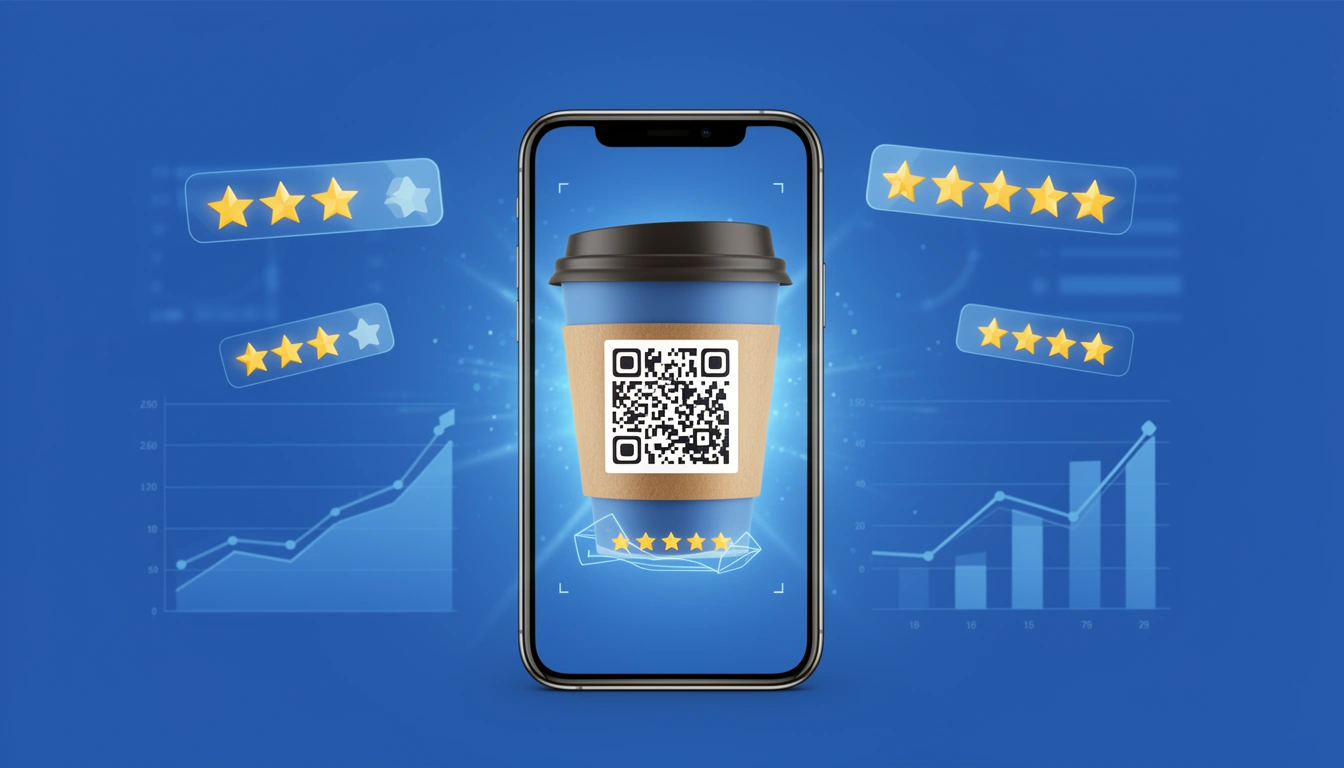
Customer expectations in 2026 are high, but getting them to actually tell you what they think is a struggle. It doesn't matter if you run an e-commerce brand, an app, or a physical store asking someone to type a survey URL from a receipt or click through a promotional email creates too much friction. Most people just won't do it.
The fix is usually a QR code. It bridges the offline-to-online gap by letting users point their smartphone cameras to access review forms instantly. No typing required.
But you can't just generate a code and walk away. Here is how to implement this properly using a platform like Smler to get better data and more responses.
Why Dynamic QR Codes are Essential for Customer Feedback
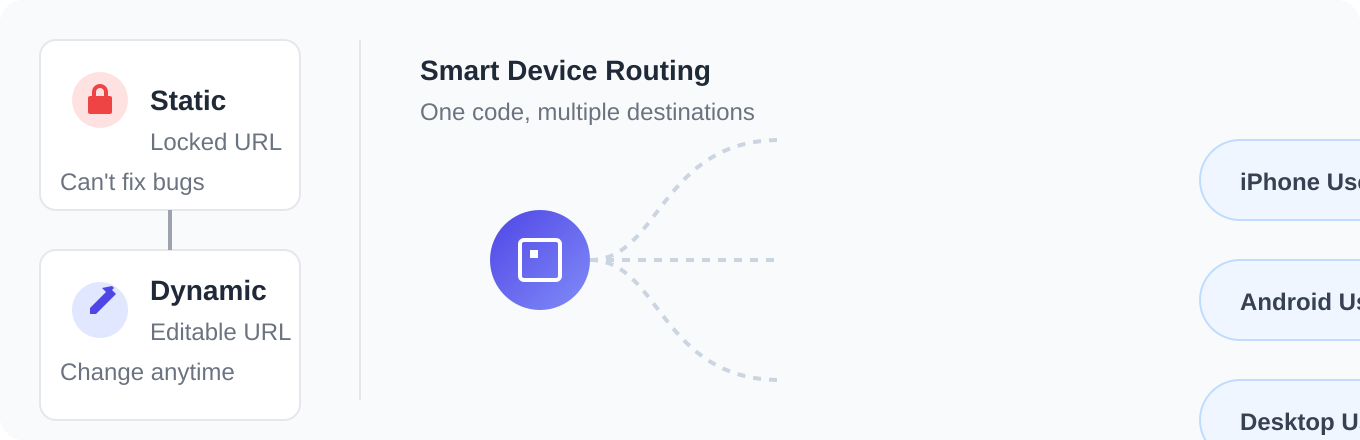
If you use a static QR code, you're locked in. Once that code is printed on 50,000 product boxes, you cannot change the destination URL. If the survey page moves or you find a bug, you have a problem.
Using a dynamic QR URL shortener lets you change the destination whenever you want, even after print. It also lets you do something smarter: routing.
With Smler's Device Based Link Routing, one code can send users to different places based on what phone they hold. iPhone users can go straight to the App Store, Android users to the Play Store, and desktop users to a web form. It removes the friction of asking a customer to find the right place to leave a review.
Where to Put Feedback QR Codes

Context is everything. You want to catch people when they are actually thinking about your product.
E-commerce Product Inserts This is the best spot. A customer opening a package is usually in a good mood. A branded insert card with a direct offer "Scan to get 15% off your next order" will always outperform a follow-up email that lands in their inbox three days later.
In-Store Point of Sale (POS) For restaurants or retail, put codes on table tents or receipts. You want the feedback while the experience is fresh, not after they have left the building.
Event Badges Conferences are chaotic. Putting a survey QR code on attendee badges lets you collect immediate session feedback without dragging people to a kiosk.
Analyzing Feedback QR Code Performance
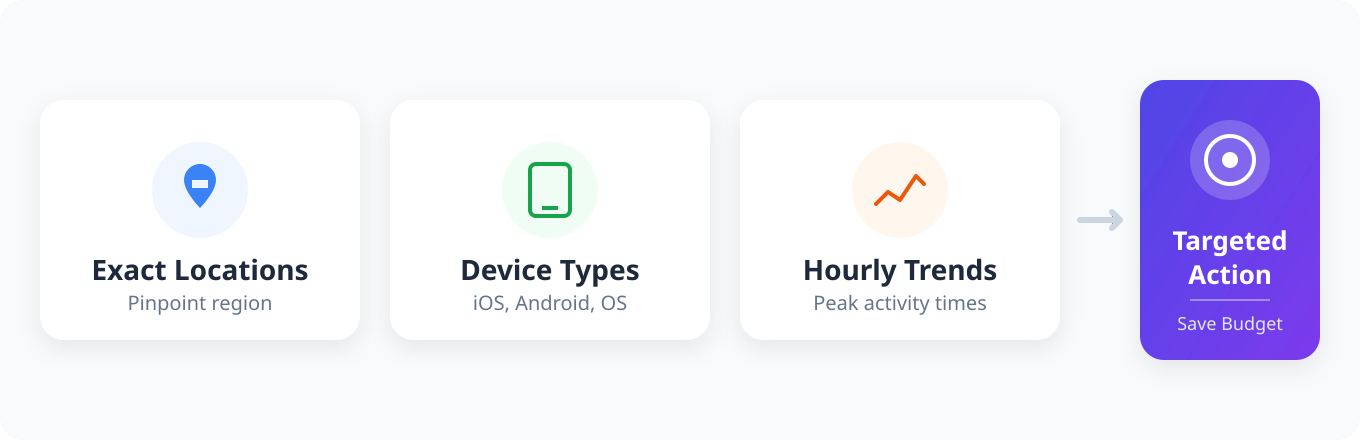
Collecting feedback is one thing; understanding who is scanning is another. When you generate codes through Smler, you get link-level analytics.
Instead of guessing which location or product drives the most engagement, the dashboards show you exact scan locations, device types, and hourly trends. If you see a spike in iOS scans on Tuesday mornings in a specific region, you can target your incentives there specifically rather than spending money on a broad campaign.
Optimizing Your QR Code for Better Scan Rates
To get better results, avoid the default settings:
- Brand Your Codes: The generic black-and-white square looks like spam. Customize the design to match your brand check our guide on how to create a QR code with a logo in the center if you need a walkthrough.
- Offer a Clear Incentive: "Scan Here" is rarely enough. Be specific about what they get a discount, a sweepstakes entry, or exclusive content.
- Ensure High Contrast: Print your QR codes with high-contrast colors (dark blue on white, for example). It ensures older smartphone cameras can read the code quickly without the user having to adjust their angle.
If you want to try this out, use our Free QR Code Generator. Build the smart links, embed them in your materials, and see if the volume of actionable feedback improves.
Published with LeafPad