
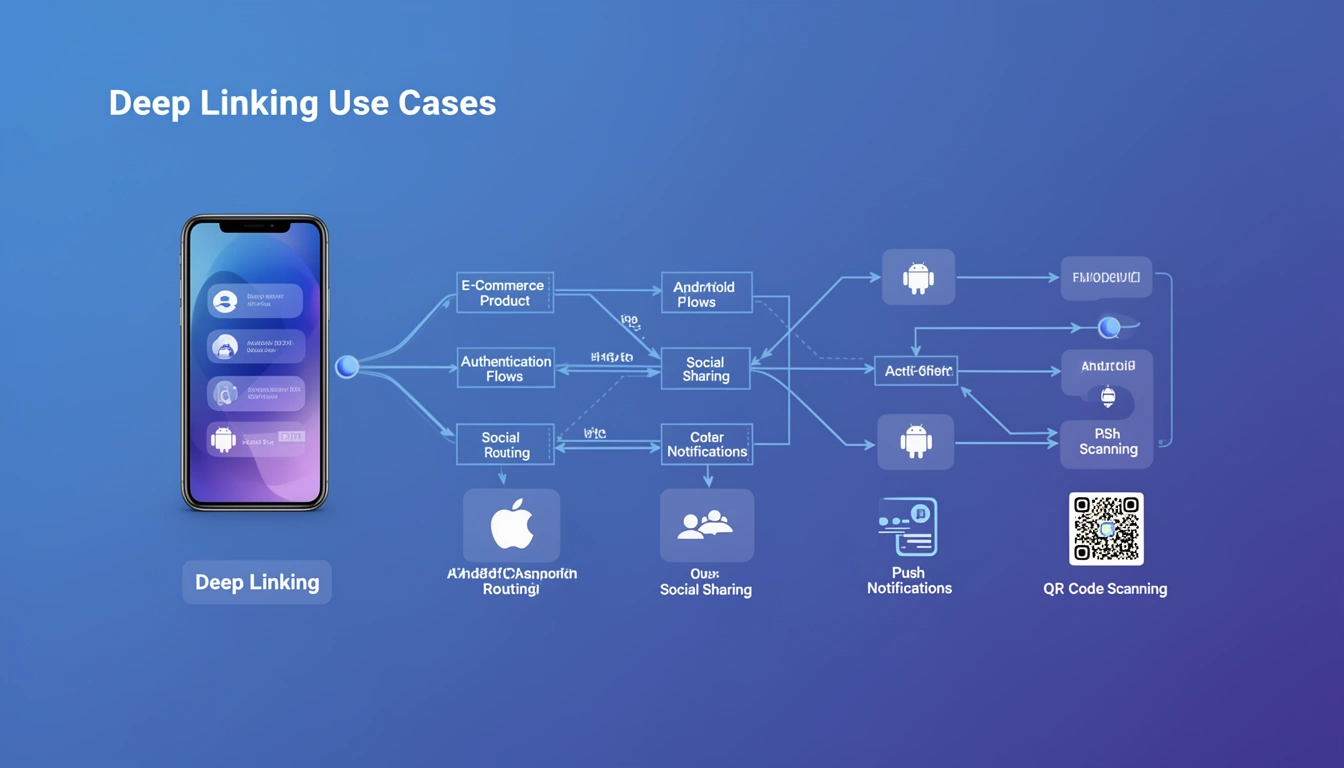
Deep linking for travel companies means routing a booking confirmation email, a check-in reminder, or a gate-change alert straight to the exact screen in your app, not the home screen. The same infrastructure that powers those travel flows also covers e-commerce product pages, authentication, referral programs, push notifications, and QR code campaigns, and this guide walks through the implementation patterns for all of them.
How Do Travel Companies Use Deep Linking?
Travel companies use deep linking to move travelers from an external trigger, an email, SMS, or push notification, directly into the itinerary, boarding pass, or check-in screen inside the app, instead of dropping them on a generic homepage they have to search from. This matters more in travel than in most other verticals because the same customer touches several different messages between booking and boarding: a confirmation email, a check-in reminder, a gate-change alert, a delay notification, and a receipt.
A typical booking confirmation deep link works like this:
- Booking completes on web or app, and the backend generates a link tied to the booking reference:
https://travel.brand.com/booking/PNR123 - Confirmation email or SMS is sent with that link
- Traveler taps the link, on any device, at any point before the trip
- Universal Link or App Link opens the app directly to the itinerary screen for
PNR123if the app is installed, or the mobile web itinerary if it isn't - Check-in and gate-change updates reuse the same booking reference so every later notification routes to the same screen
The reason this needs deep linking rather than a plain link: a traveler who installs the app after booking should land on that exact itinerary the first time they open it, not a blank dashboard they have to search from. That is a deferred deep link, and it follows the same pattern covered in Smler's step-by-step guide to generating deferred deep links. Airlines and online travel agencies that skip this step see travelers reinstall the app, open it, and then have to search for their own booking, which is exactly where check-in reminders go unread.
What Are the Most Common Deep Linking Use Cases?
Deep linking fundamentally solves a navigation problem: getting users to the exact content they want, regardless of where they clicked the link. Rather than treating mobile apps as isolated silos, deep links create bridges from web pages, emails, SMS messages, QR codes, and social media posts directly into specific app screens.
Think of deep linking as a file system path for mobile apps. Just as /users/profile/settings points to a specific location on a server, a deep link like myapp://product/12345 points to a specific product detail screen. The difference is that deep links also handle complex scenarios like app installation state, platform detection, and fallback routing.
The business value emerges when you map user journeys to specific destinations:
- Marketing campaigns: Email clicks land users on promotional product pages, not the app homepage
- Transactional flows: Payment and booking confirmations open directly to order or itinerary screens
- Social sharing: Shared content links preserve context and route to exact posts or videos
- Customer support: Support ticket links navigate users to relevant help articles or account settings
Modern deep linking systems like Smler's deep linking platform unify these patterns into a single infrastructure layer that handles iOS Universal Links, Android App Links, and web fallbacks automatically.
How Does Each Deep Linking Use Case Work in Practice?
Each use case follows a similar technical pattern but with different routing logic and fallback strategies. Here's how the most common scenarios work in production systems.
E-Commerce Product Deep Linking
When a user clicks a product link from an email, Instagram ad, or SMS campaign:
- Link Click: User taps
https://shop.brand.com/p/abc123 - Platform Detection: Server detects iOS/Android via user agent
- App Check: Universal Link/App Link attempts to open the native app
- Routing Decision:
- App installed: opens
brandapp://product/abc123 - App not installed: redirects to App Store/Play Store or web product page
- App installed: opens
- Analytics Capture: Platform, device, and conversion data logged for attribution
The critical implementation detail: your backend must serve the correct Apple App Site Association (AASA) file for iOS and Digital Asset Links file for Android. Without these, the app won't intercept the link.
// iOS routing handler
func application(_ application: UIApplication,
                continue userActivity: NSUserActivity,
                restorationHandler: @escaping ([UIUserActivityRestoring]?) -> Void) -> Bool {
    guard userActivity.activityType == NSUserActivityTypeBrowsingWeb,
          let url = userActivity.webpageURL else {
        return false
    }

    // Parse product ID from URL
    if url.pathComponents.contains("p"),
       let productId = url.pathComponents.last {
        navigateToProduct(productId)
        return true
    }
    return false
}
App install campaigns need the deferred version of this flow: if the shopper doesn't have the app yet, the click has to survive the trip through the App Store or Play Store and still land on the right product the first time the app opens. The 2026 guide to deferred deep linking covers how that attribution survives the install step, and routing an iOS click to the App Store while an Android click goes to Play is covered in Smler's device-based redirect guide.
Authentication and Magic Link Flows
Passwordless login deep links require extra security considerations:
- User enters email on login screen
- Backend generates time-limited token and deep link:
https://auth.app.com/verify?token=xyz789 - Email sent with verification link
- User clicks link on mobile device
- App intercepts link, validates token with backend
- On success, user authenticated and routed to intended destination
Token validation must happen server-side. Never trust client-side token parsing alone. Implement token expiration (typically 15-30 minutes) and single-use constraints to prevent replay attacks.
Social Content and Referral Programs
When users share content or referral codes:
- Share action: User taps share on a video/post
- Link generation: App creates shareable link with content ID and referrer metadata
- Distribution: Link shared via messaging apps, social media, or copied to clipboard
- New user clicks: Recipient taps link
- Attribution tracking: System logs original sharer for credit/rewards
- Content routing: Recipient lands directly on shared content, not app homepage
Referral programs add complexity because you need to track the relationship across app install events. This is where deferred deep linking becomes essential: it preserves referral attribution even when the recipient has to install the app first.
Push Notification Deep Links
Push notifications use deep linking differently because they originate from system-level services:
// Android push notification with deep link
val intent = Intent(Intent.ACTION_VIEW, Uri.parse("myapp://order/status/12345"))
val pendingIntent = PendingIntent.getActivity(context, 0, intent, PendingIntent.FLAG_UPDATE_CURRENT)

val notification = NotificationCompat.Builder(context, CHANNEL_ID)
    .setContentTitle("Order Shipped")
    .setContentText("Your order #12345 is on the way")
    .setContentIntent(pendingIntent)
    .build()
Unlike web-based deep links, push notifications guarantee the app is already installed. This simplifies routing but requires careful notification permission management and intent handling.
QR Code Campaigns for Offline-to-Online
Creating a QR code that opens a specific page in your app means encoding a deep link, not a plain web URL, into the code. The QR code itself only stores a link; that link is what decides whether the scan opens your app to a specific screen or falls back to a web page. Physical QR codes on packaging, billboards, or retail displays bridge offline experiences to digital apps this way:
- QR code encodes deep link URL:
https://brand.app/promo/summer2025 - User scans with camera app
- Link opens in browser or app, depending on platform implementation
- App routes to promotional landing page or unlocks special content
The challenge with QR codes: you can't update them after printing. Always use intermediary short links that redirect to updatable destinations. QR code deep linking strategies should include campaign tracking parameters and flexible routing logic, and a QR code generator with built-in tracking makes it easier to see which printed codes are actually converting.
What Are the Most Common Deep Linking Mistakes?
Real-world deep linking fails frequently due to overlooked edge cases and platform quirks.
iOS Universal Links Failing Silently
Universal Links stop working when users manually open the app from the home screen or task switcher. iOS assumes the user prefers staying in the browser. The link then opens Safari instead of your app, breaking the user journey.
Symptom: Deep links worked yesterday, users report they're broken today, but testing shows they work inconsistently.
Fix: Educate users to long-press the Safari smart banner and select "Open in App." Better yet, implement a fallback button on your web landing page that uses a custom URL scheme as backup.
Android App Link Verification Delays
Android verifies App Links asynchronously after app installation. During this verification window, sometimes 5-10 minutes, links open in the browser instead of the app.
Symptom: Fresh installs don't intercept deep links immediately, leading to poor onboarding experiences.
Fix: Provide manual "Open in App" buttons on web landing pages. Test App Link verification using Android Studio's App Link Assistant before release.
Deferred Deep Link Attribution Loss
When using custom deferred deep linking implementations, attribution data gets lost if you don't persist it through the install flow:
- User clicks referral link, app not installed
- User routed to App Store/Play Store
- User installs app but navigates away before completing install
- User returns hours later to open app for first time
- Original click data is lost, with no way to credit the referrer
Fix: Use device fingerprinting or platform-specific install referrer APIs (Google Play Install Referrer, iOS SKAdNetwork). Better yet, use a managed service like Smler's deferred deep linking that handles attribution automatically.
Deep Link Parameter Encoding Issues
Special characters in deep link parameters break routing if not properly URL-encoded:
// Broken
myapp://search?q=coffee & tea

// Correct
myapp://search?q=coffee%20%26%20tea
This causes particularly nasty bugs when users share content with emojis, non-Latin characters, or special symbols in titles.
Rate Limiting and Link Expiration
Authentication deep links without rate limiting expose security vulnerabilities. Attackers can spam a user's email with login requests or brute-force token validation.
Best practice: Implement per-user rate limits (e.g. 5 magic links per hour), token expiration (15-30 minutes), and single-use token constraints.
What Are the Best Practices for Production Deep Linking?
Design for Graceful Fallbacks
Every deep link should have a clearly defined fallback chain:
- Try native app deep link (Universal Link/App Link)
- Fall back to custom URL scheme if available
- Fall back to web landing page with app install prompts
- Fall back to generic homepage if routing fails
Never let a broken deep link show an error page. Always provide a usable destination.
Implement Centralized Link Management
Hard-coding deep link URLs throughout your codebase creates maintenance nightmares. When you change routing logic or URL structures, you'll have broken links in old emails, social posts, and printed materials.
Use a centralized link management system:
- Generate all deep links through a single API or service
- Use short link redirects that point to updatable destinations
- Track all active campaigns in a database for auditing
- Implement link versioning for backward compatibility
Smler's link management system provides this infrastructure out of the box, with redirect updating.
Structure Deep Link URLs for Maintainability
Use consistent, hierarchical URL patterns that mirror your app's information architecture:
// Good structure
myapp://content/video/12345
myapp://content/article/67890
myapp://user/profile/johndoe
myapp://commerce/product/abc123
myapp://commerce/cart

// Poor structure
myapp://video12345
myapp://art67890
myapp://johndoe
myapp://productabc123
The structured approach makes routing logic cleaner and enables pattern-based middleware, for example, authentication requirements for all /user/* routes.
Add Context Parameters for Better UX
Deep links should carry enough context to personalize the destination screen:
myapp://product/12345?source=email&campaign=summer_sale&referrer=user789This enables analytics tracking (source, campaign), personalized UI ("Your friend @user789 recommended this"), and A/B testing (different landing screens per campaign).
Test Deep Links Across Device States
Production deep link testing must cover:
- Fresh install: App never opened before
- App installed, never opened: Installed but not launched
- App installed, previously opened: Active user state
- App in background: Currently running but not foreground
- App in foreground: Currently active when link clicked
- App uninstalled: Previously installed, now removed
Each state can produce different routing behavior. Use automated testing frameworks or iOS deep link testing tools and Android deep link testing frameworks to validate all scenarios.
Monitor Deep Link Performance
Track key metrics for every deep link campaign:
- Click-through rate: Links clicked vs. links distributed
- App open rate: Successful app opens vs. total clicks
- Install conversion: App installs attributed to deep link campaign
- Routing success: Users reaching intended destination vs. fallback
- Platform distribution: iOS vs. Android vs. web traffic
Link-level analytics provide visibility into these metrics and help identify routing failures or platform-specific issues.
When Should You Not Use Deep Linking?
Deep linking adds complexity and maintenance overhead. Avoid it in these scenarios:
Content Doesn't Require App-Specific Features
If your content works perfectly well in a mobile web browser and doesn't benefit from push notifications, offline access, or native UI performance, keep users on the web. Deep linking for the sake of "getting users in the app" often creates friction without value.
Example: a blog post or documentation site that reads fine on mobile web doesn't need deep linking. Save development effort for features that genuinely improve via native apps.
Your App Has Poor Onboarding
Deep linking new users directly to complex features before they understand your app creates confusion and churn. If your onboarding completion rate is low, fix that before implementing aggressive deep linking campaigns.
First-time users from deep links should land on simplified intro screens that provide context, not the same destination as existing users.
You Can't Maintain the Infrastructure
Deep linking requires ongoing maintenance:
- Keeping AASA and Digital Asset Links files updated
- Monitoring for iOS/Android platform changes
- Updating routing logic when app structure changes
- Managing certificate renewals for domain verification
If you're a small team without dedicated mobile platform expertise, Smler provides a centralized way to upload and manage these assets so you can focus on app features rather than complex link routing.
Privacy Regulations Limit Attribution
In regions with strict privacy laws (GDPR, CCPA), aggressive deep link attribution that fingerprints devices or tracks users across apps may violate regulations. Always implement consent flows before collecting attribution data.
How Does Deep Linking Fit Into Modern Mobile Architecture?
Deep linking isn't a standalone feature, it's a layer in your mobile platform stack that interacts with multiple systems.
The Mobile Attribution Stack
Modern mobile apps layer attribution systems:
- Deep linking layer: Routes users to correct destinations
- Attribution layer: Tracks which campaigns drive installs and engagement
- Analytics layer: Measures user behavior and conversion funnels
- Marketing automation: Triggers campaigns based on user actions
Deep links provide the initial routing context that feeds into attribution. For example, when a user clicks an email deep link, installs the app, and makes a purchase, the deep link's campaign parameters attribute that revenue to the email campaign.
Integration with Push Notifications
Deep linking and push notifications form a re-engagement system:
- User abandons a shopping cart
- Backend triggers abandoned cart push notification with deep link to cart screen
- User taps notification, app opens directly to cart
- Reduced friction increases conversion
The deep link payload travels through your push notification service (FCM, APNs) and gets processed by your app's notification handler.
Server-Side Rendering and Web-App Parity
Universal deep links blur the line between web and mobile. Your server must render the same content at https://app.com/product/123 that your mobile app shows at myapp://product/123.
This creates an architectural requirement: shared content APIs between web and mobile, consistent URL routing, and server-side rendering that handles both user agents intelligently.
Cross-Platform Frameworks
React Native, Flutter, and other cross-platform frameworks handle deep linking through plugin systems:
- React Native:
react-native-deep-linkingor@react-navigation/native - Flutter: app_link package
These abstractions simplify implementation but still require platform-specific configuration (AASA files, intent filters). React Native deep linking guides and Flutter deep linking guides cover the framework-specific setup.
Frequently Asked Questions
How do I deep link to booking confirmations in my travel app?
Generate a link tied to the booking reference server-side and send it in the confirmation email or SMS. Configure the app to intercept that domain through Universal Links (iOS) and App Links (Android), route to the itinerary screen matching the reference, and provide a mobile web fallback for anyone who hasn't installed the app yet.
How do I create QR codes that open specific pages in my app?
Encode a deep link, not a plain web URL, into the QR code, something like https://yourapp.com/promo/summer with a defined route behind it. Point that link at your Universal Link/App Link domain so a scan opens the matching in-app screen when the app is installed, and a web page when it isn't.
What's the best deep linking and deferred deep linking solution for e-commerce app install campaigns?
There's no single universal answer, but the requirements are consistent: the solution needs to preserve product-level attribution through the App Store or Play Store install step, support both iOS and Android natively, and provide fallback web pages. Compare providers against those three requirements rather than a feature list.
What's the difference between deep linking for user acquisition vs. retention?
Acquisition deep links target users who don't have your app installed (install attribution, referral programs, paid ads). Retention deep links target existing users (push notifications, email re-engagement, in-app sharing). Acquisition requires deferred deep linking to preserve context through app install. Retention uses direct deep links since the app is already present.
Can deep links work without an internet connection?
Custom URL schemes work offline if the app is already installed, they're just local URI handlers. Universal Links and App Links require an initial internet connection to verify domain association files but work offline afterward if the association is cached. The content the deep link routes to may still require internet depending on your app's offline capabilities.
How do I handle deep link versioning when my app structure changes?
Implement a routing layer that maps old URL patterns to new destinations. For example, if /product/:id changes to /shop/:category/:id, your router should detect old-format links and transform them. Never break existing deep links, they're permanent URLs in emails, social posts, and printed materials. Use redirects and mapping tables to maintain backward compatibility.
Should I use one deep link domain for all platforms or separate domains?
Use a single cross-platform domain (e.g. link.yourapp.com) that serves platform-appropriate configurations. The same URL should work on iOS (serving AASA), Android (serving assetlinks.json), and web (serving HTML). This simplifies link sharing and avoids confusing users with platform-specific URLs. Configure your server to respond with appropriate content based on the request path and user agent.
How do I prevent deep link spam or abuse in referral programs?
Implement rate limiting on referral link generation (e.g. 10 links per user per day), require account verification before granting referral rewards, use server-side validation for all referral attribution, never trust client-reported data, and implement fraud detection that flags suspicious patterns like the same device claiming multiple referrals. Monitor referral metrics for outliers and investigate high-volume referrers manually.
Key Takeaways
Deep linking use cases extend far beyond simple navigation, from routing travel booking confirmations and itinerary updates to the right screen, to e-commerce product pages, authentication, retention, and commerce flows. The most successful implementations treat deep linking as infrastructure rather than a feature, investing in centralized link management, comprehensive testing across device states, and robust fallback chains.
Choose the right deep linking approach for your use case: direct deep links for existing users, deferred deep linking for acquisition campaigns and travel bookings made before install, and contextual deep links that carry attribution metadata. Monitor performance metrics to identify routing failures and platform-specific issues before they impact user experience.
Most importantly, implement deep linking only when it genuinely improves user journeys. The best deep link is the one users don't notice, it just works, getting them to the right content seamlessly regardless of platform or device state.
Published with LeafPad