
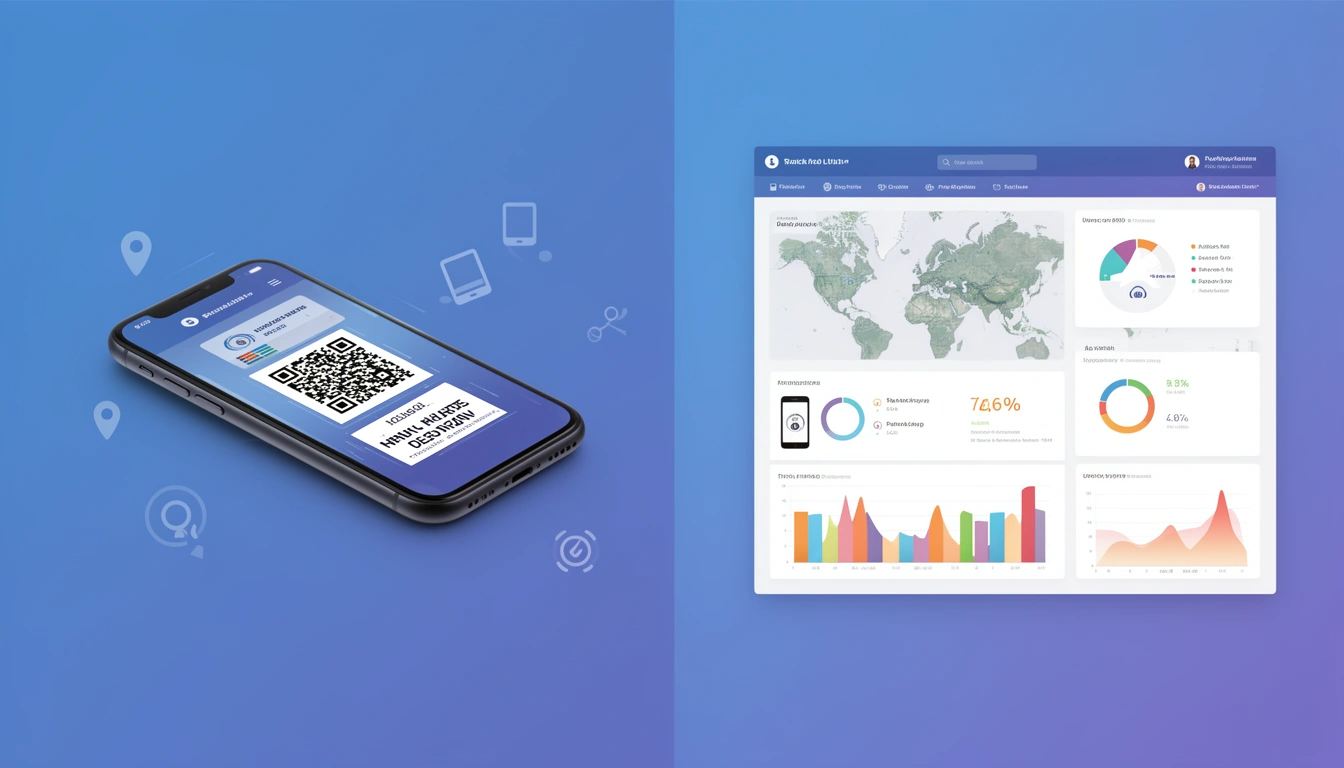
Looking for a free QR code generator with tracking capabilities? You're not alone. As QR codes continue their explosive growth in 2026, businesses and marketers need solutions that not only create QR codes but also provide detailed analytics on scan performance.
In this comprehensive guide, we'll explore how to generate QR codes with built-in tracking completely free, what metrics you should monitor, and how to leverage this data to improve your marketing campaigns.
Why Tracking QR Code Scans Matters in 2026
Creating a QR code is easy—understanding its performance is what separates successful campaigns from failed ones. Without tracking, you're essentially marketing blind, unable to answer critical questions like:
- How many people scanned your QR code?
- Where are your scanners located geographically?
- What devices and operating systems are they using?
- What time of day generates the most scans?
- Which marketing materials drive the most engagement?
QR code tracking transforms static images into powerful data collection tools that inform your marketing strategy and prove ROI to stakeholders.
How QR Code Tracking Actually Works
QR codes themselves don't contain tracking capabilities. Instead, tracking works through a simple but effective process:
- Dynamic URL Creation: Instead of encoding your final destination URL directly into the QR code, you use a shortened tracking URL
- Redirect Layer: When users scan the code, they hit your tracking server first
- Data Collection: The server captures metadata (location, device, time, etc.)
- Forwarding: Users are instantly redirected to the intended destination
This happens in milliseconds, creating a seamless experience while capturing valuable analytics.
Generating Free Trackable QR Codes with Smler
Smler offers a completely free QR code generator with comprehensive tracking built in. Here's how to create your first tracked QR code:
Step 1: Create Your Short Link
First, you need to create a trackable short URL that will be embedded in your QR code:
- Sign up for a free Smler account at app.smler.io
- Navigate to the dashboard and click "Create Link"
- Paste your destination URL (website, landing page, product page, etc.)
- Customize your short URL slug for better branding (optional)
- Click "Create" to generate your trackable short link
Step 2: Generate Your QR Code
Once you have your short link, generating a QR code is instant:
- Use Smler's free QR code generator tool
- Enter your newly created short link
- Customize the QR code design (colors, size, logo)
- Download in your preferred format (PNG, SVG, or PDF)
Learn more about customization options in our guide on how to create QR codes with logos.
Step 3: Access Your Analytics
Every scan of your QR code is automatically tracked. To view your analytics:
- Navigate to your Smler dashboard
- Select the short link associated with your QR code
- View real-time analytics including scans, locations, devices, and more
Smler's link-level analytics provide comprehensive insights that help you optimize your QR code campaigns.
Key Metrics to Track for QR Code Success
Not all metrics are created equal. Focus on these key performance indicators:
1. Total Scans
The most basic but essential metric. Track total scans over time to understand overall campaign reach and identify trends.
2. Unique vs. Repeat Scans
Distinguish between new users and returning visitors. High repeat scans might indicate confused users or strong engagement, depending on context.
3. Geographic Location
Understand where your audience is scanning from. This helps you:
- Identify which physical locations perform best
- Optimize placement of QR codes in high-traffic areas
- Tailor content based on regional preferences
- Verify that your marketing materials reached intended markets
4. Device & Operating System
Know whether your scanners use iOS or Android, and what devices they prefer. This data is crucial for:
- Optimizing landing pages for the most common devices
- Implementing deep linking to direct app users appropriately
- Understanding your audience's technical sophistication
5. Time-Based Analytics
Discover when your QR codes are scanned most frequently:
- Hour-by-hour data reveals peak engagement times
- Day-of-week patterns inform when to launch campaigns
- Seasonal trends help with long-term planning
6. Referrer Information
If your QR codes appear in digital media, referrer data shows which platforms drive the most scans.
Advanced QR Code Tracking Strategies
Use Unique QR Codes for Different Placements
Instead of using one QR code everywhere, create unique codes for each placement:
- Different physical locations (storefront vs. trade show booth)
- Various marketing materials (flyer vs. poster vs. product packaging)
- Multiple campaigns running simultaneously
This granular approach lets you identify exactly which placements generate the best ROI. Simply create multiple short links with descriptive names (e.g., "trade-show-2026" vs. "store-window") and generate separate QR codes for each.
Combine QR Codes with UTM Parameters
For even deeper analytics, add UTM parameters to your destination URLs before shortening them. This allows you to:
- Track QR code traffic in Google Analytics
- Segment QR code visitors from other traffic sources
- Attribute conversions to specific QR code campaigns
Use Smler's free UTM builder tool to create properly tagged URLs before generating your short links.
A/B Test Your QR Code Destinations
Create two versions of your QR code pointing to different landing pages and place them in similar locations. Compare performance to determine which messaging, offer, or design resonates better with your audience.
Set Up Webhook Notifications
For time-sensitive campaigns, configure real-time webhook notifications to alert you immediately when QR codes are scanned. This enables:
- Instant customer service responses
- Real-time campaign monitoring during events
- Automated workflows triggered by QR scans
Comparing Free QR Code Generators with Tracking
While many platforms offer free QR code generation, tracking capabilities vary significantly. Here's what separates premium solutions from basic generators:
Smler (Recommended)
Pros:
- Completely free tier with robust tracking
- Link-level analytics with geographic, device, and time data
- Custom branded domains for professional appearance
- Unlimited QR code generation
- Deep linking capabilities for mobile apps
- No expiration on free tier links
Best for: Businesses and marketers who need professional tracking without paying premium prices
Basic QR Generators
Pros:
- Simple and quick to use
- No account required
Cons:
- No tracking whatsoever (static QR codes only)
- Cannot update destination URLs after creation
- No analytics dashboard
- Limited customization options
Best for: One-time personal use where tracking isn't needed
Premium-Only Platforms
Pros:
- Advanced features and integrations
- Enterprise-level support
Cons:
- Expensive monthly fees ($20-$100+/month)
- Limited or no free tier
- Often include unnecessary features for small businesses
Best for: Large enterprises with significant budgets
For a detailed comparison of tracking-enabled QR code generators, see our 2026 comparison guide.
Real-World Use Cases for Tracked QR Codes
Retail & E-Commerce
Place QR codes on product packaging that link to:
- Product tutorials and usage guides
- Customer reviews and social proof
- Reorder pages for consumables
- Loyalty program enrollment
Track which products generate the most engagement and optimize your product information strategy accordingly.
Restaurant & Hospitality
Replace physical menus with QR codes on tables. Analytics reveal:
- Peak dining times when menus are accessed most
- Which table locations get the most scans (indicating high-traffic areas)
- Device preferences to optimize menu design
Event Marketing
Print QR codes on event materials (posters, badges, swag) that link to:
- Event schedules and maps
- Speaker information and slides
- Post-event surveys
- Lead capture forms
Track scans by location to determine which promotional spots worked best, informing future event planning.
Real Estate
Add QR codes to yard signs and property flyers linking to:
- Virtual property tours
- Detailed listing information
- Contact forms for showing requests
Analytics show which properties generate the most interest and what times potential buyers are most active.
Education & Training
Include QR codes in textbooks, handouts, and presentations that connect to:
- Supplementary learning materials
- Video explanations
- Interactive quizzes
- Resource libraries
Track engagement to identify which topics students access most frequently, indicating areas that need additional explanation.
Best Practices for QR Code Placement & Design
Even the best tracking won't help if nobody scans your QR codes. Follow these proven practices:
Size Matters
QR codes should be at least 2cm x 2cm (0.8" x 0.8") for reliable scanning. Larger is better, especially for codes viewed from a distance. A good rule of thumb: the scanning distance should be no more than 10 times the QR code's width.
Include a Clear Call-to-Action
Never present a QR code without context. Include text like:
- "Scan to view our menu"
- "Scan for 15% off your next purchase"
- "Scan to watch the tutorial"
- "Scan for event details"
This increases scan rates by 2-3x compared to unlabeled codes.
Ensure Sufficient Contrast
QR codes need high contrast to scan reliably. Dark patterns on light backgrounds work best. While customization is great for branding, never sacrifice scannability for aesthetics.
Test Before Printing
Always test your QR codes on multiple devices before committing to large print runs. Check that:
- The code scans reliably from expected distances
- The destination URL is correct
- Mobile landing pages load quickly and display properly
- Tracking is working correctly
Place Codes at Eye Level
Position QR codes where people naturally look, typically between 4-6 feet from the ground. Avoid placing codes too high or too low, which discourages scanning.
Optimizing Landing Pages for QR Code Traffic
Driving scans is only half the battle—converting scanners into customers requires optimized landing pages:
Mobile-First Design
Since 100% of QR code scans come from mobile devices, your landing page must be mobile-optimized:
- Fast loading times (under 3 seconds)
- Large, tappable buttons
- Minimal form fields
- Readable text without zooming
- Vertical scrolling layout
Remove Navigation Distractions
QR code landing pages should have a single, clear purpose. Remove unnecessary navigation menus that might distract from your conversion goal.
Match the Promise
Ensure your landing page delivers exactly what your QR code call-to-action promised. If you promised a discount, the coupon should be immediately visible. Breaking this promise destroys trust and tanks conversion rates.
Use Social Proof
Include customer testimonials, ratings, or trust badges to build credibility quickly, especially for users encountering your brand for the first time.
For more on optimizing QR code destinations, check out our guide on making short URLs share-friendly with OG tags.
Privacy & Compliance Considerations
When tracking QR code scans, especially in 2026's privacy-conscious environment, consider these compliance factors:
GDPR & Data Protection
If you're collecting location data from European users, ensure you:
- Have a legitimate basis for data collection
- Include privacy notices on landing pages
- Allow users to opt out of tracking
- Secure data appropriately
Transparency
Be transparent about data collection. Include privacy information in your broader privacy policy and make it accessible from QR code landing pages.
Data Retention
Establish and follow data retention policies. Don't store analytics data longer than necessary for your business purposes.
Troubleshooting Common QR Code Tracking Issues
Scans Not Registering
Possible causes:
- Users scanning but immediately closing the browser
- Very slow network connections timing out
- Ad blockers preventing tracking scripts
Solutions: Ensure your short URL redirects happen server-side (Smler does this automatically) rather than relying on client-side tracking.
Duplicate Scans Skewing Data
Possible causes:
- Users scanning multiple times due to confusion
- Accidental rescans
- Testing scans not filtered out
Solutions: Focus on unique scan metrics rather than total scans. Filter out your own IP address from analytics when testing.
Geographic Data Inaccurate
Possible causes:
- VPN usage
- Cellular network routing
- IP geolocation database limitations
Solutions: Treat geographic data as approximate rather than exact. Look for general patterns rather than precise locations.
Advanced: Integrating QR Code Data with Other Systems
For maximum value, integrate your QR code tracking data with other business systems:
CRM Integration
Connect QR code scans to customer records to:
- Track customer journey from initial QR code scan to purchase
- Identify high-value customers who engage with offline marketing
- Trigger automated follow-up campaigns based on QR scans
Analytics Platforms
Send QR code data to Google Analytics, Mixpanel, or similar platforms using UTM parameters or webhook integrations for unified reporting.
Marketing Automation
Use Smler's webhooks to trigger marketing automation workflows:
- Add scanners to email lists
- Send SMS follow-ups
- Award loyalty points
- Create support tickets
The Future of QR Code Tracking in 2026 and Beyond
QR code technology continues to evolve. Here's what to watch for:
Enhanced Attribution
Expect more sophisticated attribution models that connect QR code scans to downstream conversions across multiple touchpoints and devices.
AI-Powered Insights
Machine learning algorithms will automatically identify patterns in QR code scan data and provide actionable recommendations for optimization.
Augmented Reality Integration
QR codes increasingly serve as gateways to AR experiences. Tracking will expand to measure AR engagement beyond the initial scan.
Advanced Personalization
Dynamic QR codes that change destination URLs based on scan history, time of day, inventory levels, or user preferences will become more common.
Getting Started with Free Tracked QR Codes Today
Ready to start generating trackable QR codes for free? Here's your action plan:
- Create your free Smler account at app.smler.io
- Create your first tracked short link for the destination you want to promote
- Generate your QR code using the free QR code generator
- Customize the design to match your brand (optional but recommended)
- Test thoroughly on multiple devices before deployment
- Deploy strategically following the placement best practices above
- Monitor analytics and iterate based on performance data
For detailed tracking methodology, read our complete guide on how to track QR codes.
Conclusion
Free QR code generators with tracking capabilities have democratized sophisticated marketing analytics. You no longer need expensive enterprise software to understand how your offline marketing performs.
With Smler's free tier, you get professional-grade QR code generation and comprehensive analytics at no cost. This combination of accessibility and power makes it possible for businesses of any size to create data-driven QR code campaigns that deliver measurable results.
The key is not just generating QR codes, but strategically deploying them, optimizing landing pages, and continuously improving based on analytics insights. Start small, test extensively, and scale what works.
Your first tracked QR code is just minutes away. What will you create?