
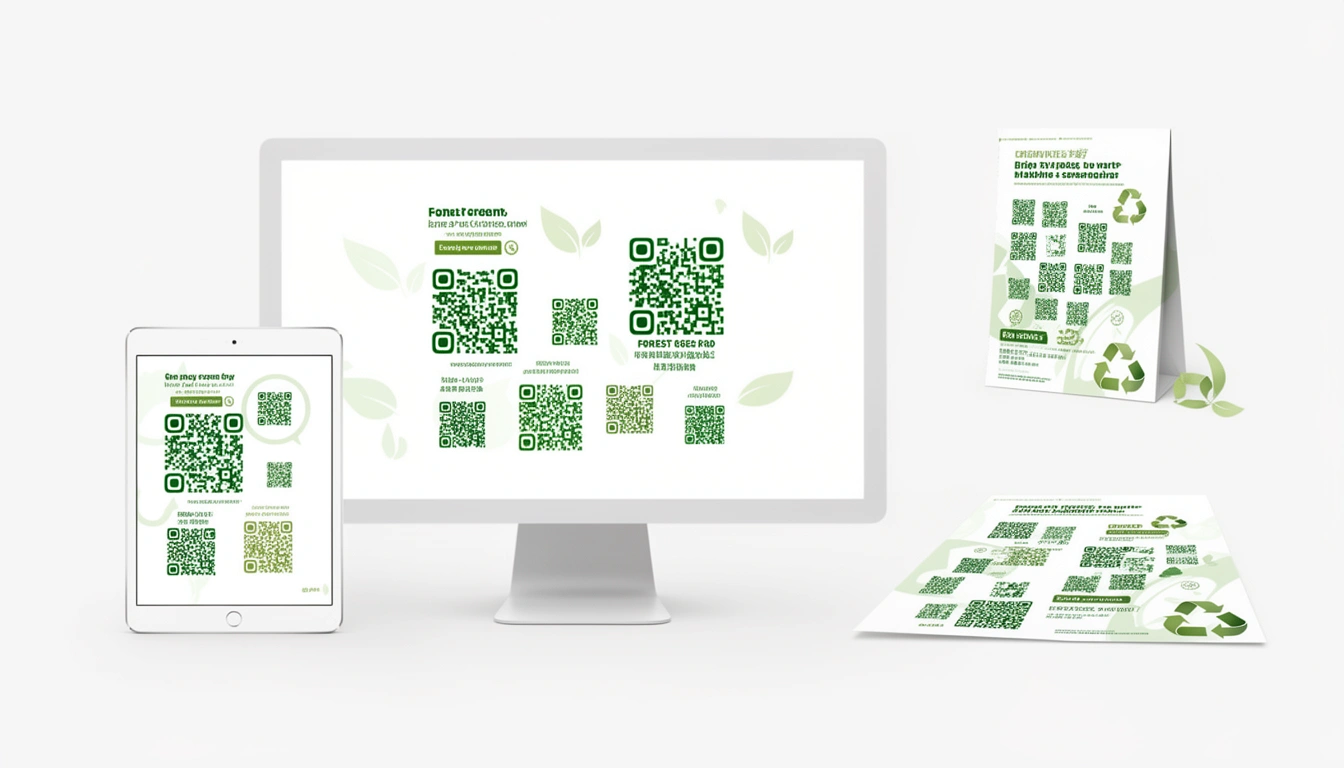
Green QR codes have been popping up everywhere in 2026. It's not just a design trend it's a specific branding play. If you're trying to match a brand palette or signal "eco-friendly" without saying a word, a green QR code does the job. Here's how to make sure it actually works when someone points a camera at it.
What Is a Green QR Code?

It's exactly what it sounds like: a standard QR code where the black modules are green. The background stays white or light. You can use forest green, lime, sage, or emerald whatever fits the vibe.
Standard black codes work fine, but green ones let you tie the code into your visual identity. That matters more when you're selling organic products or running a sustainability campaign and every square inch of packaging counts.
Why Bother With Green?
Usually, it comes down to brand consistency. If your logo is green, a black QR code looks like an afterthought. Matching the code keeps the design tight.
There's also the signaling aspect. Green equals nature in most people's minds. Using a green code on a recyclable package reinforces the message before they even scan it. Plus, a green code on a shelf of black-and-white packaging catches the eye.
As we covered in our guide on QR code colors, colored codes are functional, but you have to follow the rules.
Do They Actually Scan?
This is the part that makes people nervous. Yes, they scan, but you can't just pick any green.
Contrast is everything. The scanner needs to distinguish the code from the background. A contrast ratio of 4:1 or higher is the safe zone.
Darker greens work better. Forest green (#228B22), dark green (#006400), and hunter green (#355E3B) scan reliably on almost any device. Lighter shades like mint or lime are risky they often blend into the background under harsh lighting.
Test before you print. Seriously. A code that scans perfectly on an iPhone might fail on an older Android. Test on multiple devices in different lighting conditions. And keep the background white if you can. Green-on-green is a disaster unless the contrast is stark.
How to Create a Green QR Code PNG
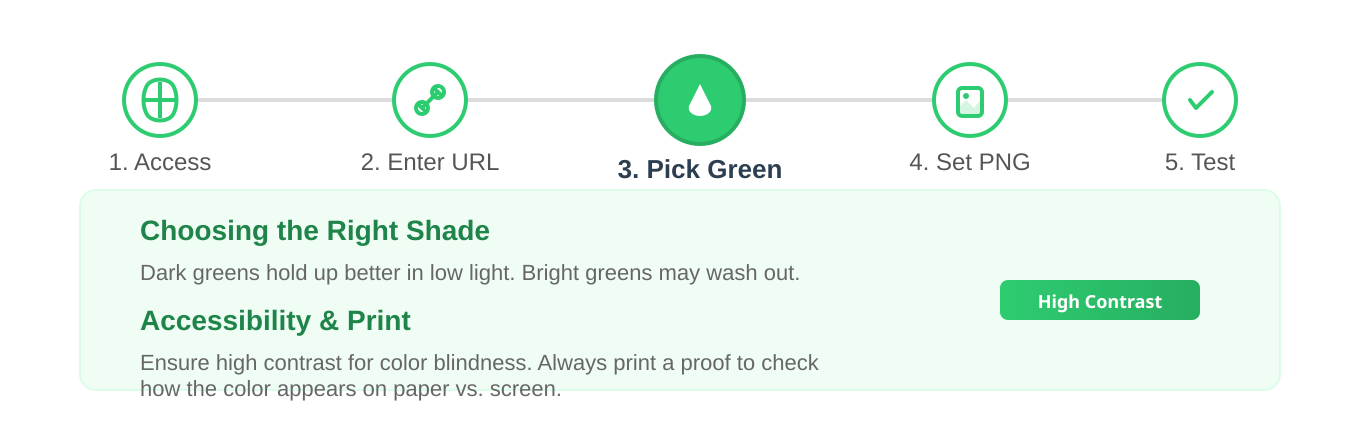
The creation process is straightforward if you have the right tool.
Using Smler's QR Code Generator
- Head to Smler's QR code generator.
- Drop in your URL (shorten it first if you want tracking data).
- Select the foreground color and pick your green.
- Choose PNG format it handles edges better than JPEG and supports transparency.
- Download and test it.
Choosing the Right Shade
Colors shift between screen and paper. Always print a proof before mass production. Dark greens hold up in low light; bright greens can wash out. Also, keep in mind that some users have color vision deficiency, so high luminance contrast helps everyone.
Design Tips
Don't go smaller than 2x2 cm (0.8x0.8 inches) for print. If people have to squint or crouch to scan it, they won't.
Leave breathing room. The "quiet zone" (the white space around the code) isn't optional. Crowding the code with text or graphics prevents scanners from locking on.
Green codes sit comfortably on nature imagery, organic packaging, and sustainability reports. For more format ideas, check our guide on types of QR codes.
Adding a Logo
You can put a logo in the center, but be careful. If the logo covers more than 30% of the code, scan rates drop. Use High error correction (H) and make sure the logo doesn't use the exact same green as the code. We have a full guide on how to create QR codes with logos in center if you need the specifics.
Where You'll See Green QR Codes in 2026
Sustainable packaging uses them to link to recycling instructions or sourcing stories. Environmental campaigns put them on educational trails in parks. Organic products use them for authentication and traceability. Airlines include them on tickets for carbon offset programs. Eco-hotels use them to share conservation efforts.
If you want more ideas, we compiled 7 innovative QR code use cases.
Tracking Scans
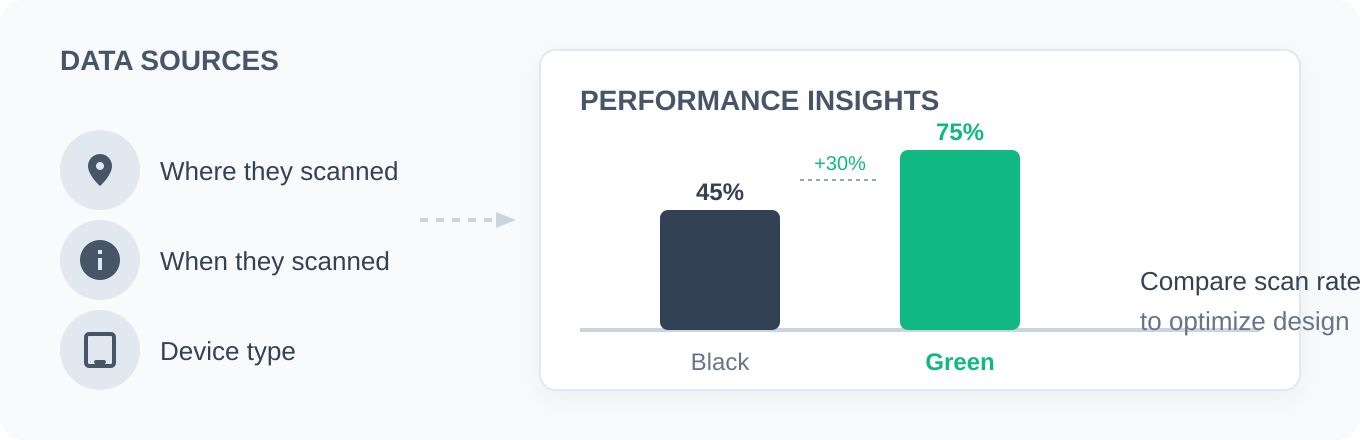
One advantage of using a tool like Smler is the backend data. You can see where people scanned, when they scanned, and what device they used. Smler's analytics features let you figure out if the green code actually performed better than a black one.
Common Mistakes
Neon greens look flashy but often lack the necessary contrast. A green code on a green background is unreadable, even if the shades are different. It takes 10 seconds to scan a printed proof do it. For print, you need 300 DPI minimum; a blurry code is a dead code. And if your brand green is too light to scan, you have to darken it. Function overrules the style guide here.
File Formats
Stick with PNG. It's lossless, meaning the edges stay sharp no matter how much you resize it. It also supports transparency, which is useful if you need to place the code over a subtle texture.
Conclusion
Green QR codes are a simple way to keep branding consistent and signal sustainability. They scan just as well as black codes, provided you choose a dark enough shade and maintain high contrast.
If you're ready to make one, try Smler's free QR code generator. Set the color, check the contrast, and track the results.
Published with LeafPad