
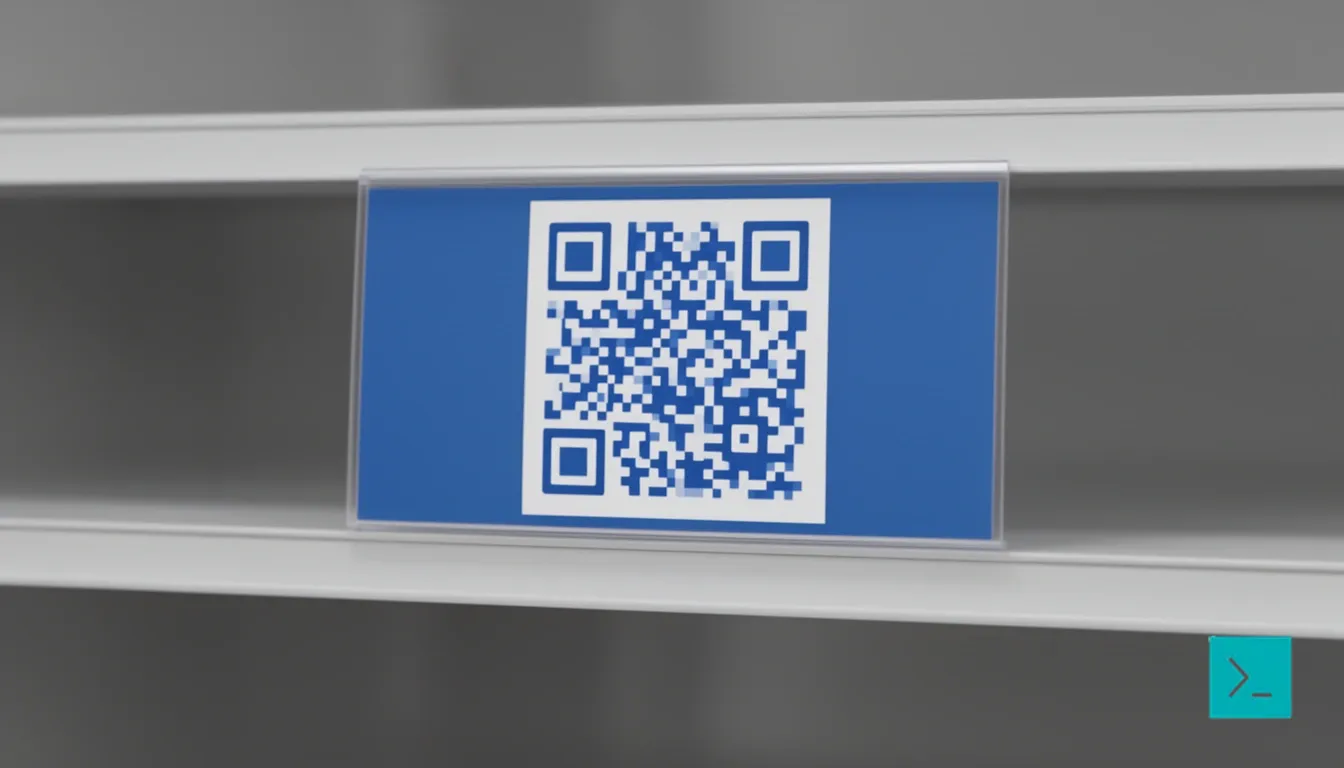
Square QR codes are everywhere, but they're kind of a pain to design around. If you've ever tried to wedge a standard code onto a banner, a business card, or a skinny product label, you know the frustration. The rigid format often clashes with the layout, eating up space you don't have.
Rectangular QR codes are a thing. They’re practical, and in specific contexts like shelf edges or vehicle wraps they work better than the square ones everyone is used to.
The basics
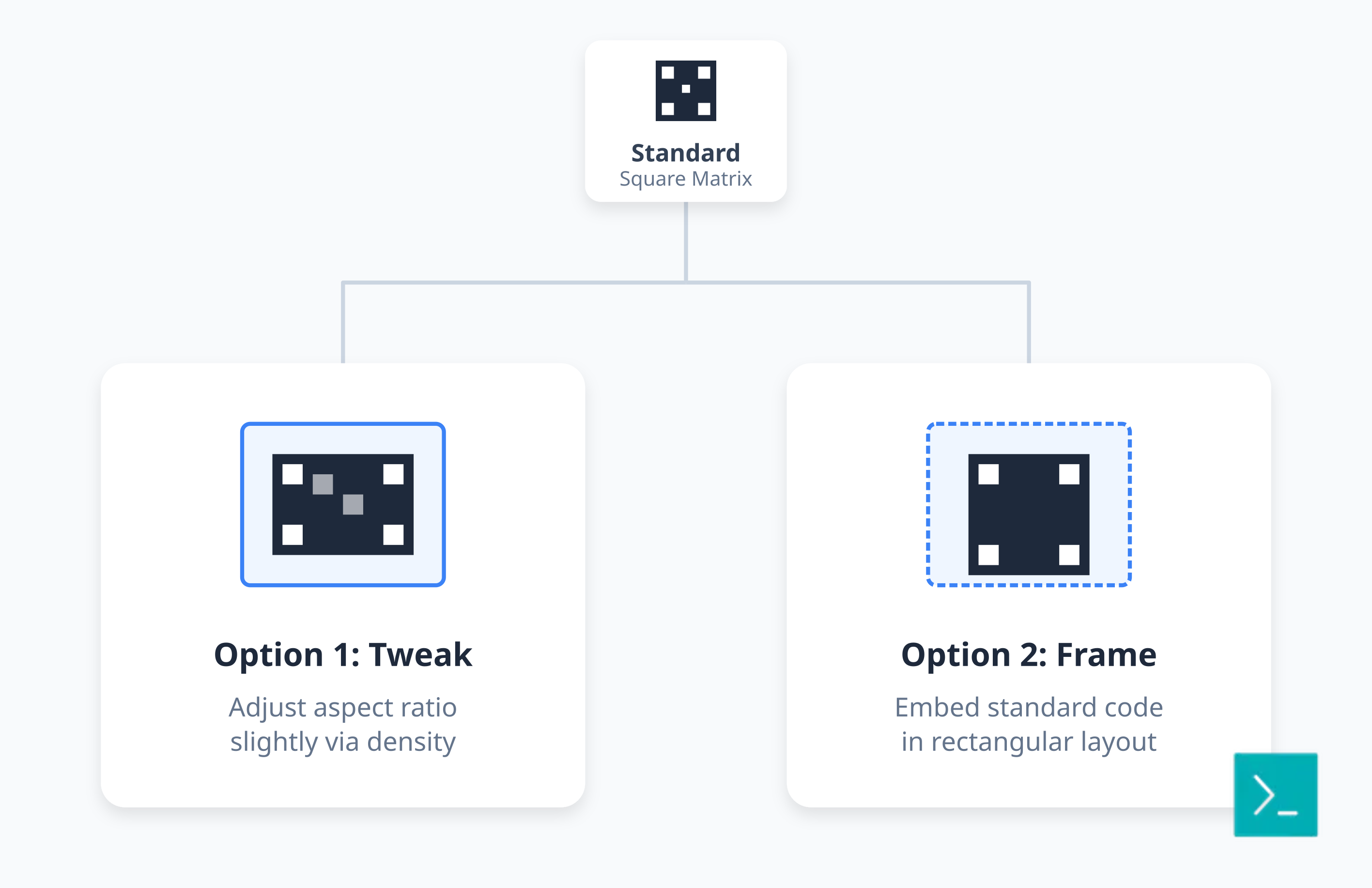
Standard QR codes are square because the underlying data matrix is square. That's just how the tech works. But you have two real options if you need a rectangular shape:
You can tweak the aspect ratio slightly by adjusting data density, though you won't get a dramatic rectangle this way. The more common route is design integration embedding a standard QR code into a rectangular frame. The code stays square, but the whole package fits your layout.
When to use them
Square codes don't fit every space. Rectangular designs make sense in a few specific spots:
Shelf edges: Retail shelves are cramped. Square codes often look bulky or cover the price tag. A rectangular code uses that narrow strip efficiently.
Banners: Digital and physical banners are usually wide. A rectangular code fits the horizontal flow better than a floating square.
Business Cards: The standard 3.5 x 2 inch dimensions are naturally rectangular. A rectangular code leaves room for your contact info without crowding the design.
Vehicle Wraps: Cars and trucks have long, curved surfaces. A rectangular code flows with the body lines instead of sticking out like a postage stamp.
Technical details you actually need
Making a rectangular QR code work isn't just about stretching a graphic. There are constraints.
Error Correction: You get four levels: L (7%), M (15%), Q (25%), and H (30%). If you are modifying the shape, use Q or H. You need that buffer. If the stretching confuses the scanner, high error correction might save the scan.
Quiet Zones: The "quiet zone" is the blank border around the code. It’s essential. The standard is four modules wide, but for rectangular codes, give yourself more margin.
Design tips
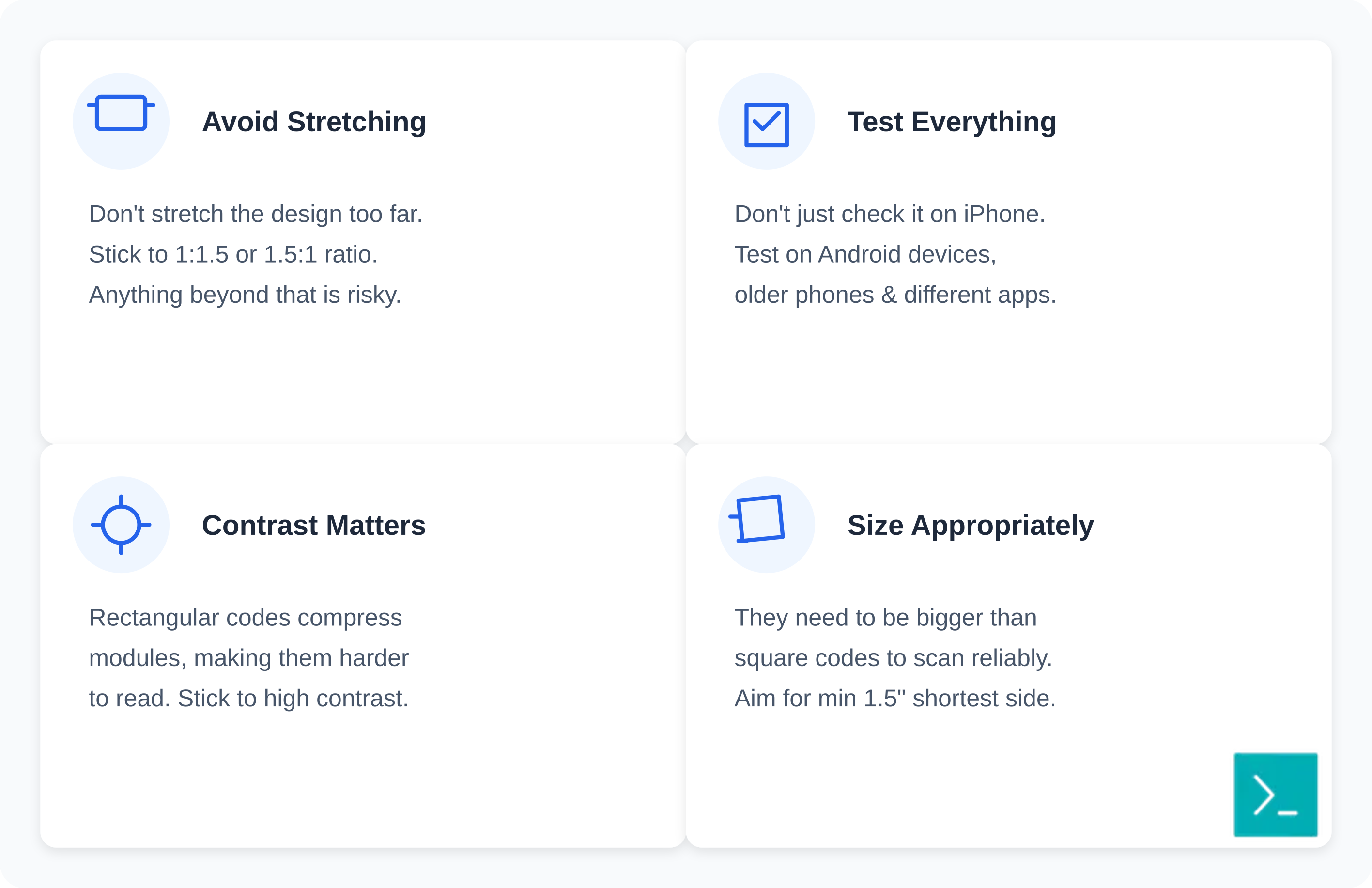
Designing these is a balancing act between aesthetics and function.
Don't stretch it too far: Stick to 1:1.5 or 1.5:1. Anything beyond that is risky.
Test everything: Don't just check it on your iPhone. Test on Android devices, older phones, and different scanning apps.
Contrast matters: Rectangular codes often compress the data modules, making them harder to read. Stick to high contrast black on white is boring but it works.
Size appropriately: They need to be bigger than square codes to scan reliably. Aim for at least 1.5 inches on the shortest side for print.
Tools
You don't need fancy software. Smler's free QR code generator handles standard codes and custom designs, which you can then place in rectangular frames. If you want to see how they perform, you'll need QR code tracking.
Vector tools like Illustrator are useful if you want to manually adjust proportions, but you'll need to test the result rigorously to make sure it still works.
Real examples
Retail Shelf Labels: A grocery chain swapped square codes for rectangular ones on shelf edges. Scans went up because the code no longer covered the product price.
Event Wristbands: Horizontal codes on concert wristbands make scanning easier no awkward wrist twisting required.
Bottle Necks: Beverage companies put rectangular codes on the bottle neck, a spot where a square code simply wouldn't fit.
Deep linking
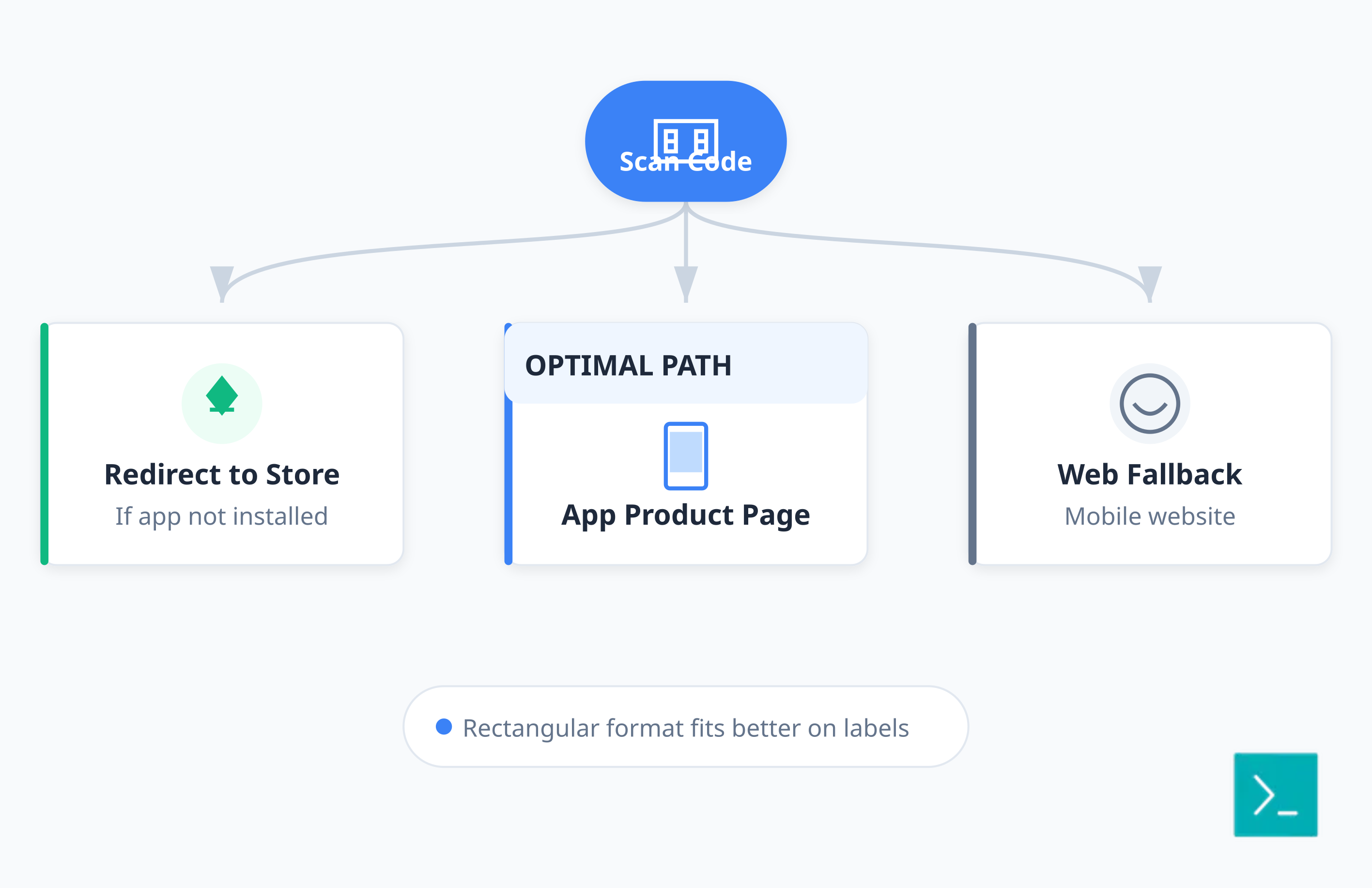
If you're going to use a rectangular code, make it work harder. Deep linking functionality sends users to a specific page inside an app rather than just a mobile website.
A code on a product label can open the exact product page in your app, send users to the App Store if they don't have it, or fall back to a web page. It’s a smoother user experience, and the rectangular format fits the label space better.
Tracking
You can't improve what you don't measure. Platforms like Smler provide comprehensive analytics covering scan location, device type, and conversion rates.
For rectangular codes, run an A/B test. See if a 1:1.2 ratio scans better than a 1:1.5 ratio for your use case. Testing variations can significantly improve performance, as noted in this guide on high-converting QR code use cases.
Common mistakes
Over-stretching: If you pull the aspect ratio too far, it stops scanning. Test it before you print.
Testing on one device: Just because your phone reads it doesn't mean your customer's phone will.
Bad colors: QR codes don't have to be black and white, but rectangular codes are more sensitive. Low contrast kills the scan.
Ignoring the quiet zone: I get the urge to use every millimeter of space, but the quiet zone is not optional. If you crop it, the code fails.
Integration
Don't let your QR codes float in the void. Connect them to your systems.
Custom Domains: Use custom branded domains instead of generic short links. It builds trust.
UTM Parameters: Use a UTM builder so you can see the traffic in Google Analytics.
Consistency: Match your rectangular codes with your icon QR codes and labeled QR codes.
FAQ
Can rectangular QR codes be scanned as easily as square ones?
Yes, if you don't stretch them beyond recognition. Keep the aspect ratio under 1:1.5 and test on multiple devices.
What's the maximum aspect ratio?
Stick to 1:1.5. Anything wider usually fails on standard phones.
Do they hold less data?
Not necessarily. Capacity depends on the version, not the shape. But distorting the code to force a rectangle can break it, so use high error correction.
Can I use them for app deep linking?
Yes. The shape is just the container; the link inside works the same way.
Where do they perform best?
Retail shelves, event tickets, vehicle wraps anywhere space is tight or the surface is long and narrow.
Published with LeafPad