
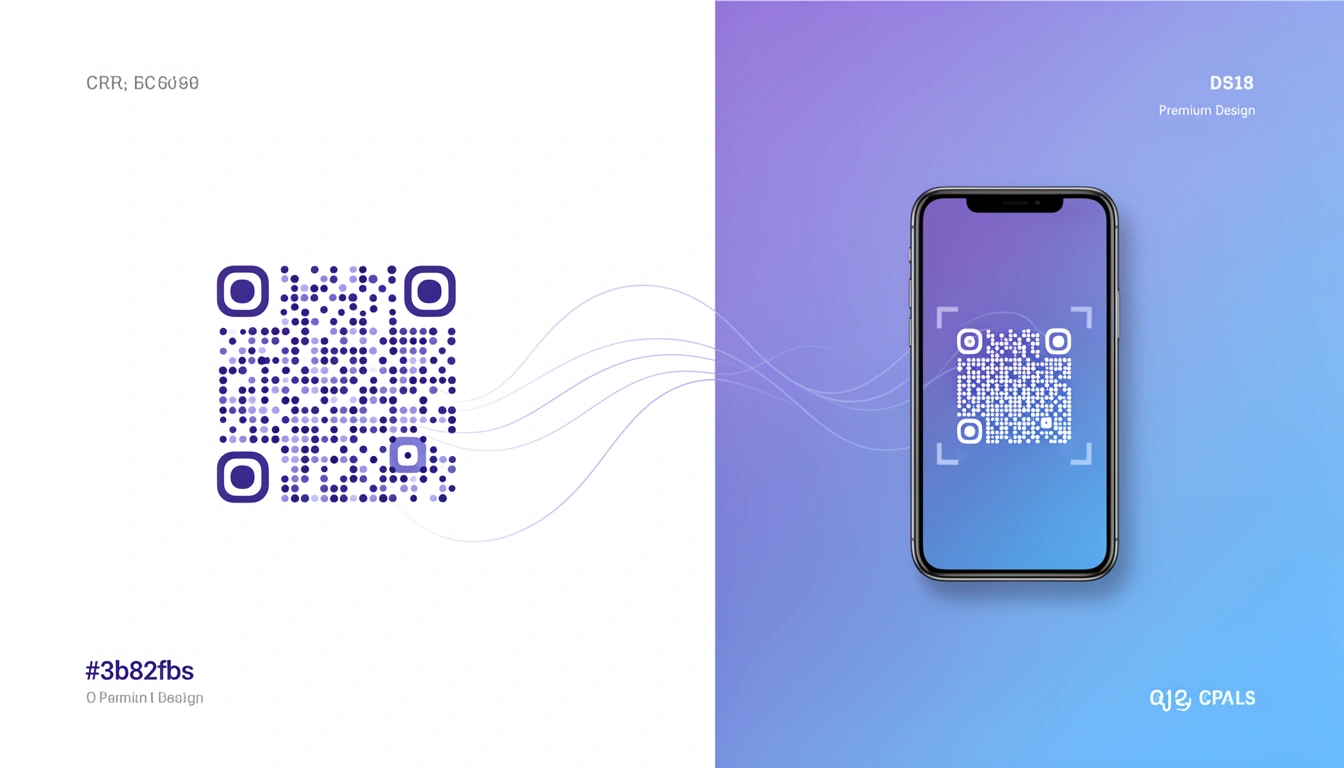
Dot QR codes are the better-looking sibling of the standard QR code. Instead of rigid squares, they use rounded dots for the data modules. It sounds like a small tweak, but if you've ever tried to put a QR code on a luxury perfume box or a sleek event poster, you know the problem: a blocky black-and-white square looks like an error message. Dots look like they belong.
What changed for this 2026 update: generators have gotten noticeably better at rendering dot styles without weakening error correction, logo-in-center dot codes have gone from novelty to default in retail packaging, and more brands are pairing dot codes with trackable short links instead of static URLs. The core case for choosing dots over squares hasn't changed — it's just easier to execute well now.
What is a dot QR code and how is it different from a standard QR code?
A dot QR code stores exactly the same data as a standard QR code — a URL, text, or contact card — and scans exactly the same way. The only difference is visual: the square data modules are rendered as circles or rounded dots instead of hard-edged squares. Your phone's camera doesn't care about the shape; the decoding logic reads position and contrast, not geometry.

Three practical benefits show up once you start using them:
- Visual integration: Dots blend better with curves and organic shapes in logos and packaging artwork.
- Perception: People trust them more, likely because they read as "designed" rather than "tracking pixel."
- Scannability: Reliable, provided you generate them correctly. QR codes support four error-correction levels — L (7%), M (15%), Q (25%), and H (30%) — and most dot-style generators default to Q or H to compensate for the slightly reduced contrast between rounded modules.
Why do dot QR codes matter for brand design?
For brands that care about visual consistency, dot QR codes solve a real trade-off: functionality versus aesthetics. A standard QR code forces you to either hide the code or let it clash with the design around it. A dot QR code removes that compromise.
This matters most in three places:
Premium packaging: High-end products can use dot QR codes for authentication or storytelling without looking like an afterthought sticker.
Event materials: Concert posters, wristbands, and tickets look intentional with dots instead of tacked-on with squares.
Retail displays: In-store signage can carry the code without disrupting the shopping environment — useful for the kind of offline campaigns covered in our QR code deep linking for offline marketing guide.
As we covered in our guide on QR code use cases, design directly impacts scan rates. In aesthetic-focused campaigns, dot codes win.
What are the technical specs for dot QR codes?
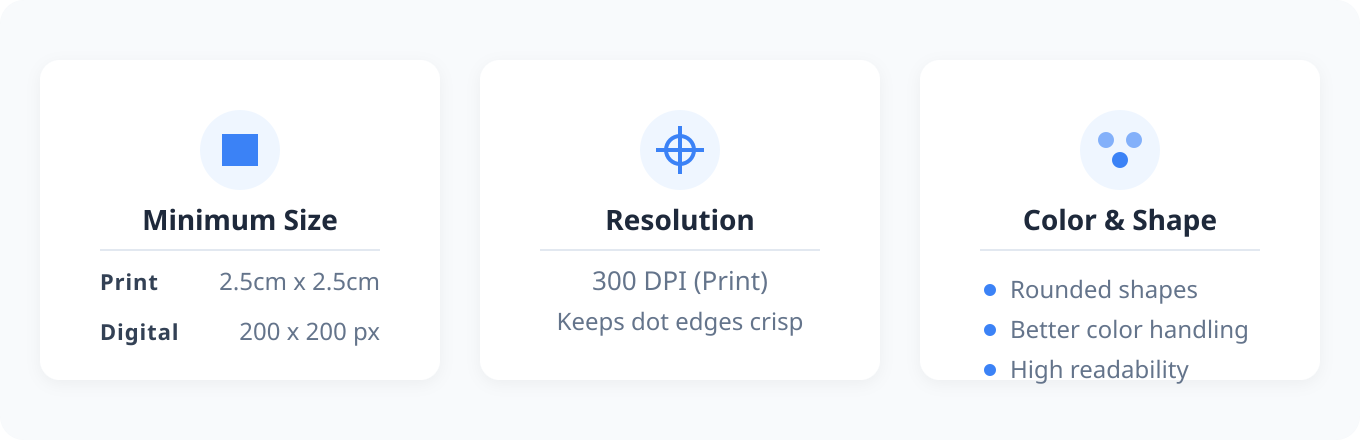
Dot QR codes need slightly more physical space than standard codes to stay scannable, because the circular elements need breathing room to remain distinct at a distance.
How big should a dot QR code be?
| Use case | Minimum size | Notes |
|---|---|---|
| Print (flyers, posters) | 2.5cm x 2.5cm | Slightly larger than a standard square code |
| Packaging / product labels | 2cm x 2cm | Use high error correction (Q or H) at this size |
| Business cards | 1.5cm x 1.5cm | Test with an older phone camera before printing at scale |
| Digital / web | 200 x 200 px | SVG preferred over PNG for crisp edges at any zoom |
| Billboards / large format | Scale so scan distance ≈ 10x code width | Test from actual expected viewing distance |
For print, keep resolution at 300 DPI so dot edges stay crisp instead of blurring into gray mush.
Do color choices affect dot QR code scannability?
While QR code colors don't have to be black and white, dot QR codes tend to handle color better than square pixels because the rounded shapes maintain readability across more color combinations. The rules that still apply:
- Keep at least 60% contrast between dots and background
- Dark dots on light backgrounds scan most reliably
- Test on multiple phone models and lighting conditions before printing at scale
- Avoid gradient backgrounds behind the code itself
How do dot QR codes compare to other custom QR styles?
Dots sit in the middle of the aesthetic-versus-reliability spectrum — more polished than classic squares, generally easier to scan than heavily branded shapes.
| Style | Best for | Scan reliability |
|---|---|---|
| Classic square | Utility use cases, maximum compatibility | Highest — the original spec |
| Dot / rounded modules | Packaging, posters, brand-facing print | High, with adequate size and contrast |
| Rounded corners on eyes only | Subtle branding without full redesign | High |
| Logo-in-center | Brand recognition, campaign codes | Good, but needs higher error correction — see our guide to QR codes with a logo in the center |
| Fully custom shape | One-off creative pieces | Lowest — always test extensively before shipping |
How do you combine dot QR code design with tracking and analytics?
The real value shows up when you pair good design with smart functionality, and that's where a platform like Smler helps.
Can a dot QR code point to a dynamic, trackable link?
Yes. Using Smler's QR code generator, you can point your dot QR code at a dynamic URL instead of a hardcoded one. That lets you:
- Change the destination without reprinting the code
- See scan analytics — location, device, time — the same way you would with QR code tracking
- Run A/B tests on landing pages behind the same printed code
- Watch campaign performance in near real-time
This turns a static image into a data source. For more on this, see our deep linking analytics guide.
Can a dot QR code route iPhone and Android users differently?
Yes — if you're promoting an app, dot QR codes can route users based on their device: iPhone users go to the App Store, Android users go to Google Play, from the same printed code. Smler handles this with device-based routing, so you don't have to pick one platform to promote.
Should the link behind a dot QR code be a branded short link?
It's worth doing even though most people never see the underlying URL. It looks professional if someone checks the link details, and it keeps analytics consistent across every code you print. See how branded links fit into the bigger picture.
What are the best practices for implementing dot QR codes?
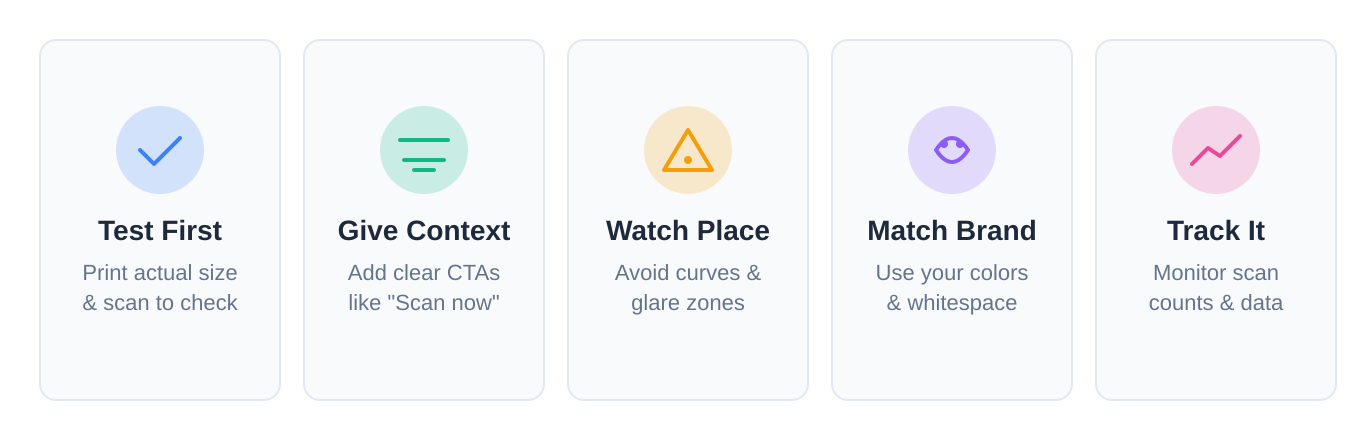
Test before you print. Print a sample at actual size. Scan it with an old phone and a new phone in bad lighting. This one step prevents most expensive printing mistakes.
Tell people what to do. Even a beautiful code needs context. "Scan for 20% off" outperforms a naked code with no call to action.
Watch the placement. Don't put it on a curved surface or in a glare zone, and make sure people can physically reach it with a phone camera.
Match your brand. Use your brand colors, give the code space to breathe, and make it feel like part of the design rather than an afterthought.
Track it. Use QR code tracking to see what's actually working — scan counts are just the starting metric, not the whole story.
Where do dot QR codes work best in 2026?
Fashion brands adopted dot QR codes early because they can't afford ugly packaging — you'll see them on clothing tags and lookbooks. Food and beverage companies use them on wine labels for pairing suggestions and origin stories. Real estate agents use them on for-sale signs and brochures for virtual tours, where a clean look matters when you're selling a house. Museums and galleries favor them because they don't visually compete with the art next to them.
How do you create a dot QR code step by step?
To try it, visit Smler's free QR code generator.
- Enter your destination URL — ideally a trackable short link rather than a raw web address.
- Select the dot style from the module shape options.
- Pick colors that keep at least 60% contrast between dots and background.
- Choose an error-correction level of Q or H if the code is small or will carry a logo.
- Download as SVG for print or PNG for digital use.
- Test the printed or exported file on at least two different phones before publishing.
For bulk campaigns, Smler's bulk shortening feature can generate hundreds of codes at once, and if you're comparing tools first, our QR code generator comparison covers how the leading options handle tracking.
What's next for QR code design?
Dot QR codes are one step toward making these tools less ugly. As QR usage keeps expanding into payments, authentication, and ticketing, design will keep evolving — animated codes, gradients, and tighter logo integration are all becoming more common, with the challenge always being the same: keep it scannable while making it look intentional.
For a deeper look at options, see our guide to QR code types and formats.
Frequently asked questions about dot QR codes
Are dot QR codes as scannable as standard square QR codes?
Yes, as long as they're generated with adequate size, contrast, and error correction. Dot codes need slightly more physical space than square codes because rounded modules need room to stay visually distinct, but the underlying data and decoding process are identical.
What size should a dot QR code be for print?
Start at 2.5cm x 2.5cm minimum for flyers and posters, and go smaller only on packaging where scan distance is short — around 2cm x 2cm with higher error correction. Always print a test sample at actual size and scan it before running a full print job.
Can I add a logo to a dot QR code?
Yes, but it requires a higher error-correction level (Q or H) since the logo covers part of the code. See our step-by-step guide to QR codes with a logo in the center for exact settings.
Are dot QR code generators free to use?
Many, including Smler's, offer free dot-style generation for basic static codes. Dynamic, trackable links with analytics are typically part of a paid plan since they require ongoing hosting and redirect infrastructure rather than a one-time image export.
Do dot QR codes support dynamic, trackable links?
Yes — the dot styling is purely visual, so the code can point to any URL, including a dynamic short link that you can redirect, A/B test, or update later without reprinting. This is the same infrastructure behind standard QR code tracking.
If you care about how your brand looks, dot QR codes are worth it in 2026. They scan the same as a standard code, but they no longer look like an afterthought.
Published with LeafPad