
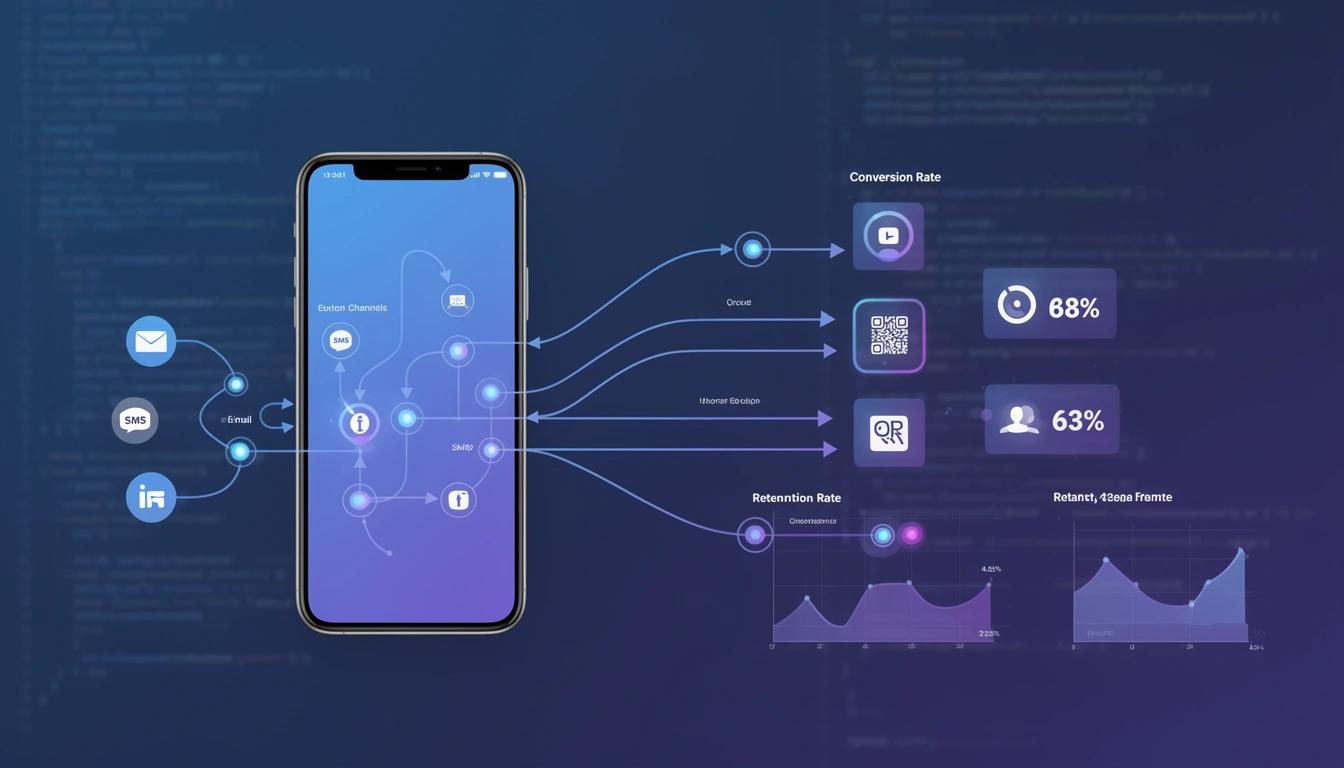
Mobile deep linking delivers measurable improvements in user activation, retention, and conversion rates by eliminating friction in the user journey. Instead of dropping users at your app's home screen or a generic webpage, deep links route them directly to specific in-app content—reducing drop-off by 30-50% and increasing session engagement by up to 2x in production environments.
This isn't theory. Teams implementing proper deep linking infrastructure consistently report higher day-1 retention, better attribution accuracy, and cleaner analytics pipelines. The technical investment pays dividends across the entire product lifecycle.
What Mobile Deep Linking Actually Solves
Deep linking addresses a fundamental problem in mobile ecosystems: context loss during user transitions. When a user clicks a link in an email, SMS, or social post, traditional approaches either open a browser (losing app context) or launch the app's home screen (losing destination context).
Deep linking preserves both. It's the difference between:
- Bad flow: User clicks product link → Opens browser → Sees "Open in App" banner → Taps banner → App opens to home screen → User must search for product again → 70% abandon
- Deep link flow: User clicks product link → App opens directly to product page → User completes purchase → 40% conversion rate
The mental model: deep links are routing instructions that survive the transition between web and app environments. They carry intent, not just destination.
Core Benefits Across Product Lifecycle
User Acquisition: Attribution systems depend on deep links to track which campaigns drive installs. Without them, you're flying blind on CAC and channel performance.
Onboarding: Referral programs that deep link new users to the referrer's profile or a specific feature see 2-3x higher activation than generic app store flows.
Engagement: Push notifications with deep links to specific content generate 4x higher CTR than generic "Open App" notifications.
Retention: Re-engagement campaigns using deferred deep links can route lapsed users to personalized content, improving win-back rates by 40%+.
Monetization: Abandoned cart recovery via SMS/email deep links recovers 15-25% of potential revenue in e-commerce apps.
How Mobile Deep Linking Works Under the Hood
Understanding the technical implementation helps you leverage the benefits correctly. Deep linking operates differently across platforms, but follows a consistent pattern.
iOS Universal Links Flow
- Your server hosts an
apple-app-site-associationfile athttps://yourdomain.com/.well-known/ - User clicks
https://yourdomain.com/product/abc123 - iOS checks if the domain is associated with an installed app
- If yes: App launches via
application(_:continue userActivity:restorationHandler:)delegate - App parses the URL and routes to the correct view controller
- If no: Link opens in Safari (fallback behavior)
Key insight: Universal Links require HTTPS and proper entitlements configuration. Misconfigured AASA files are the #1 reason iOS deep links fail in production.
Android App Links Flow
- Your server hosts
assetlinks.jsonathttps://yourdomain.com/.well-known/ - User clicks
https://yourdomain.com/product/abc123 - Android verifies domain ownership via Digital Asset Links
- App opens via intent filter with
android:autoVerify="true" - Activity receives intent and extracts data from
intent.data - If verification fails: User sees app chooser or browser opens
Android's verification is stricter than iOS—certificate fingerprints must match exactly, and verification can take up to 48 hours to propagate.
Deferred Deep Linking for New Users
Standard deep links fail when the app isn't installed. Deferred deep linking solves this:
- User clicks deep link without app installed
- Routing service (like Smler) captures link parameters and device fingerprint
- User redirected to App Store/Play Store
- User installs and opens app
- On first launch, SDK matches device fingerprint and retrieves stored parameters
- App routes to intended destination despite fresh install
This powers referral attribution, promo code application, and contextual onboarding. The benefit: you never lose marketing context during the install flow.
Common Mistakes That Kill Deep Linking Benefits
After shipping deep linking systems for multiple products, these are the recurring issues that undermine the value:
1. Treating Deep Links as Navigation, Not State Restoration
Bad: Deep link opens product page with empty state, then makes API call for data.
Good: Deep link carries enough context (product ID, variant, user context) to pre-populate the view instantly.
Users notice the 500ms difference. It determines whether the experience feels native or janky.
2. Inconsistent Fallback Handling
Your deep link logic must gracefully handle:
- Expired product IDs
- Geo-restricted content
- Deleted user accounts
- Deprecated URL schemes
Crashing or showing blank screens destroys user trust. Always implement a sensible fallback (home screen with error message, search results, category page).
3. Ignoring Platform-Specific Behavior
iOS Universal Links won't work if:
- User manually types URL in Safari address bar
- Link is clicked within in-app WebView (Instagram, Facebook)
- AASA file returns non-200 status code
Android App Links won't work if:
- Package name in assetlinks.json doesn't match APK
- SHA-256 fingerprint is from wrong keystore (debug vs release)
- Intent filter is missing
android:autoVerify
Test on real devices, not just simulators. Platform quirks matter.
4. Over-Relying on URI Schemes
Custom URI schemes (myapp://product/123) are legacy technology. They trigger confirmation dialogs, fail silently when app isn't installed, and don't support domain verification.
Modern systems should use Universal Links and App Links exclusively. Reserve URI schemes for internal deeplink routing only.
5. Not Measuring Deep Link Performance
Instrument your deep link handling code to track:
- Click-to-open latency
- Successful routing vs fallback rate
- Link parameter parsing errors
- Platform-specific failure modes
Without telemetry, you won't know if your deep links are actually working in production. Use link-level analytics to identify failure patterns before they impact revenue.
Best Practices for Maximizing Deep Linking Benefits
Design URL Structures for Longevity
Use hierarchical, readable URL patterns:
- Good:
https://yourdomain.com/products/electronics/laptop-abc123 - Bad:
https://yourdomain.com/p?id=abc123&cat=elec
Readable URLs support SEO, debugging, and manual testing. Include enough context in the path that the URL is self-documenting.
Implement Versioned Routing Logic
Your app's navigation structure will change. Build versioning into your deep link handler:
// Swift example
func handleDeepLink(_ url: URL) {
    let components = url.pathComponents

    switch (components.count, components[safe: 1]) {
    case (_, "v2/products"): handleProductDeepLink_v2(url)
    case (_, "products"): handleProductDeepLink_v1(url)
    default: fallbackToHome()
    }
}
This lets you deprecate old link formats gracefully without breaking links in old emails or campaigns.
Pre-Warm Content Before Transition
Advanced implementations pre-fetch content during the deep link transition:
- Deep link service receives click
- Backend API pre-warms cache with content for that link
- App opens and requests content (now cached)
- Content appears instantly
This shaves 200-500ms off perceived load time, which measurably improves conversion.
Use Short Links with Tracking Parameters
Long deep links break in SMS and look suspicious. Use a URL shortening service with deep linking support to:
- Keep links under 20 characters for SMS compliance
- Add UTM parameters without URL bloat
- A/B test different destinations without changing printed materials
- Track click analytics before app handoff
Branded short domains (https://yourbrand.link/abc) improve click-through rates by 25% compared to generic shorteners.
Test Deep Links in Real Channel Environments
Deep links behave differently in:
- SMS messages (carrier link scanners may modify URLs)
- Email clients (Outlook, Gmail, Apple Mail have different WebView behaviors)
- Social apps (Facebook, Instagram, Twitter use in-app browsers)
- QR codes (camera app vs third-party scanner apps)
Send test campaigns through actual channels before launch. What works in Slack won't necessarily work in Gmail.
When NOT to Use Deep Linking
Deep linking isn't always the right solution. Avoid it when:
You Don't Have an App
Obvious, but worth stating: deep linking requires a mobile app. If you're web-only, focus on responsive design and PWA capabilities instead.
Content Doesn't Justify App Install
Don't force users through an install flow for low-value interactions. If the content is a one-time blog post or basic information, a mobile web experience is better.
Deep linking benefits compound with repeat usage. For transactional or utility apps (banking, shopping, productivity), the install friction pays off. For content-only experiences, it usually doesn't.
Your App Has High Churn Rates
If users uninstall within days, fixing retention should come before optimizing deep link infrastructure. Deep links improve conversion for engaged users—they don't fix fundamental product-market fit issues.
Compliance or Privacy Restrictions Limit Tracking
Deferred deep linking relies on device fingerprinting or IDFA/GAID. In privacy-sensitive contexts (healthcare, finance in certain jurisdictions), this may violate regulations.
Standard deep links (non-deferred) still work, but you'll lose attribution for new installs.
You Can't Maintain the Infrastructure
Deep linking requires ongoing maintenance:
- Server files (AASA, assetlinks.json) must stay accessible
- Routing logic must be updated as app evolves
- Links from old campaigns must continue working
If you can't commit to this, use a managed service rather than rolling your own.
How This Fits Into Modern Deep Linking Systems
Mobile deep linking benefits multiply when integrated with a complete linking infrastructure rather than implemented as isolated features.
Deep Links + Analytics Pipeline
Modern attribution systems combine deep link click data with in-app analytics to build complete user journeys:
- User clicks campaign link (tracked by link service)
- Deep link routes to product page (tracked by app analytics)
- User adds to cart (tracked by app analytics)
- User completes purchase (tracked by app analytics + backend)
This full-funnel visibility lets you optimize campaigns based on actual revenue, not just installs or clicks.
Deep Links + Personalization Engine
Deep link parameters can trigger personalized experiences:
- Apply promo codes automatically
- Show region-specific content
- Surface recommended products based on referral source
- Pre-fill forms with campaign context
Example: User clicks influencer link → App opens with influencer's curated collection pre-loaded → Conversion rate increases 40%.
Deep Links + Cross-Platform Consistency
The same deep link URL should work across:
- iOS Universal Links
- Android App Links
- Desktop web browsers
- Mobile web browsers
Unified link infrastructure means one QR code works for all users, regardless of platform. This is essential for offline marketing campaigns where you can't predict user devices.
Deep Links + Multi-Team Workflows
At scale, different teams generate deep links:
- Marketing creates campaign links
- Product generates in-app share links
- Customer support sends troubleshooting deep links
- Engineering implements feature-specific routing
Centralized link management ensures consistent behavior, prevents link rot, and provides audit trails. This is where custom domain management and branded short links become operational requirements, not just nice-to-haves.
Frequently Asked Questions
Do deep links improve app store ranking?
Indirectly. Deep links don't directly influence ASO, but they improve retention and engagement metrics that app stores use in ranking algorithms. Apps with 30% higher day-7 retention (achievable with proper deep linking) typically see 10-15% ranking improvements over time.
What's the performance overhead of deep link handling?
Negligible if implemented correctly. URL parsing and routing logic adds <10ms to cold start time. The performance impact comes from poor implementations that make synchronous API calls in the deep link handler. Always handle deep link routing asynchronously and show UI immediately.
Can I use deep links with React Native or Flutter?
Yes. Both frameworks support Universal Links and App Links through plugins. React Native has built-in Linking API; Flutter uses packages like uni_links. The platform-specific configuration (AASA files, intent filters) remains identical. See our React Native deep linking guide for implementation details.
How long do deferred deep links remain valid?
This depends on your deep linking provider. Most services maintain deferred deep link data for 30-90 days. After that window, the link works but routing context is lost. For time-sensitive campaigns (flash sales, event invites), communicate expiration dates clearly.
Should I build deep linking infrastructure in-house or use a service?
Build in-house if you have specific requirements that existing services can't meet AND you can commit engineering resources to ongoing maintenance. Use a service (like Smler) for faster implementation, better reliability, and built-in analytics. The build vs buy calculation typically favors buying unless you're at massive scale (10M+ MAU) or have unique compliance requirements.
Key Takeaways
Mobile deep linking benefits extend far beyond basic user routing. Properly implemented deep links reduce friction, improve attribution accuracy, and enable personalized user experiences that drive measurable business outcomes.
The core benefits—higher conversion rates, better retention, cleaner analytics—compound over time. Early investment in robust deep linking infrastructure pays dividends across acquisition, engagement, and monetization.
Focus on platform-native implementations (Universal Links and App Links), design for graceful failure modes, and integrate deep links with your broader analytics and personalization systems. Avoid legacy URI schemes, maintain URL structure versioning, and test in real channel environments.
Deep linking is infrastructure, not a feature. Treat it accordingly, and you'll build user experiences that feel seamless rather than fragmented across web and mobile contexts.
Published with LeafPad