
Photo QR Codes: QR Code Examples Made From Any Image
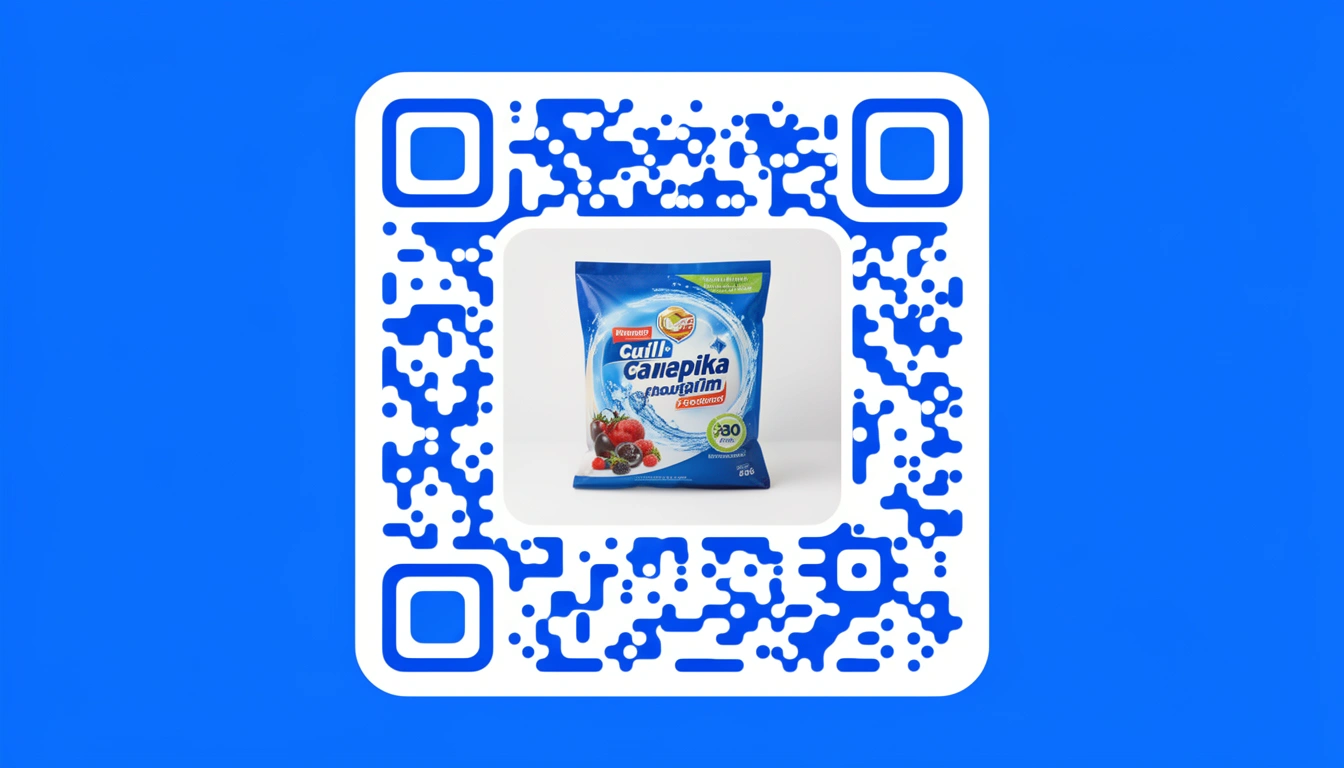
QR codes are the small, scannable squares that connect a phone camera to a link, menu, contact card, or app in one scan — no typing required. Among the many styles now available, the photo QR code is one of the more striking examples: it takes that same functional code and weaves it into an actual photograph, so the square doing the work is also the image doing the selling.
For years, QR codes were something brands tried to hide — jagged black-and-white grids stapled onto otherwise clean packaging. That's changed. Now the code itself can be a marketing asset: part barcode, part picture, all link.
What Is a Photo QR Code?
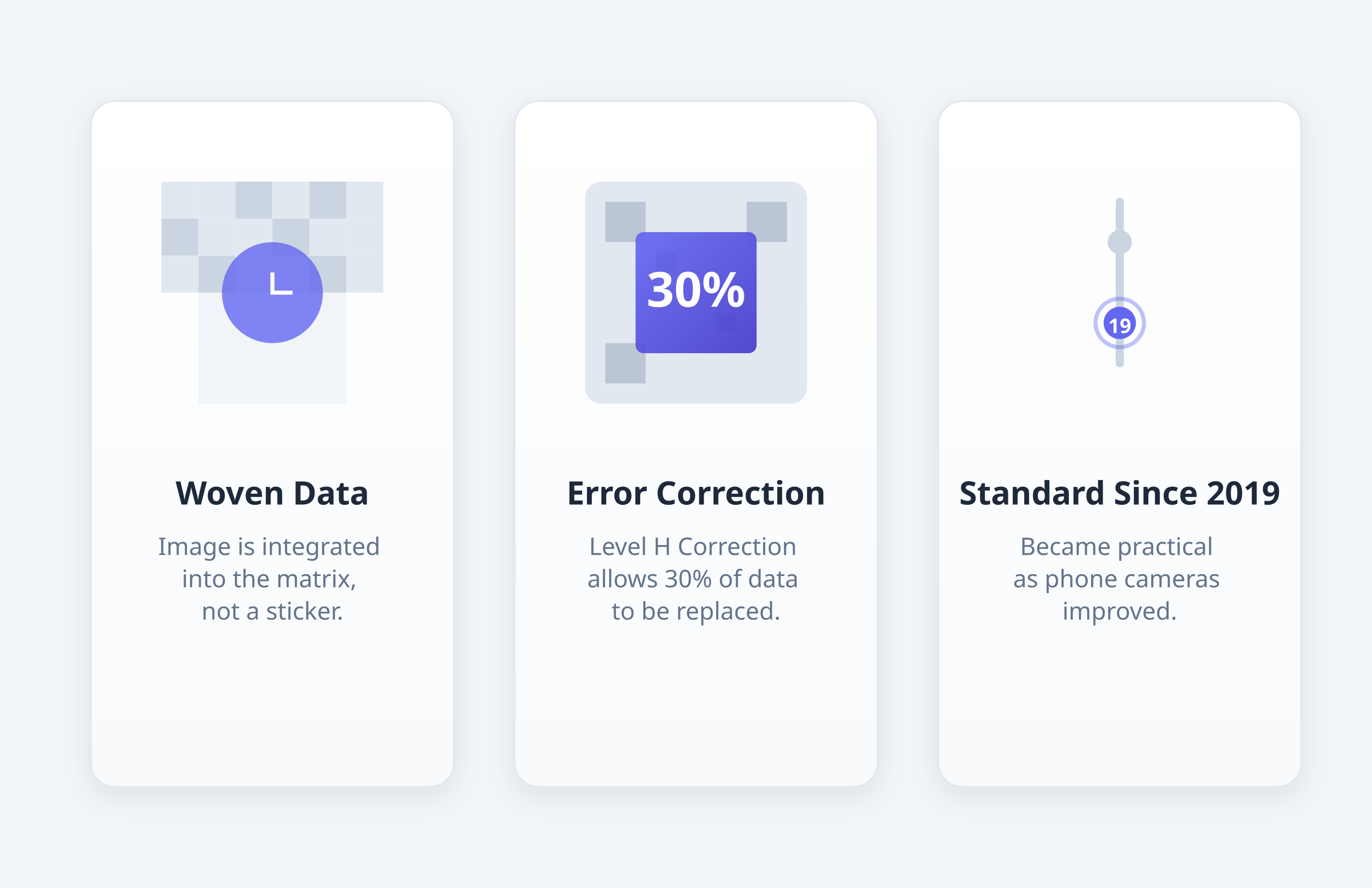
A photo QR code is a working QR code with a full photograph merged into its scan pattern, rather than a logo simply dropped on top of a blank code. The generator weaves the image into the data grid itself, using the code's built-in error correction to keep it scannable even with a picture covering a large share of the surface.
The trick relies on Level H error correction — the redundancy that lets a code scan even when it's partly scratched or dirty. By pushing error correction to its maximum, generators can dedicate roughly 30% of the code to imagery and still have it resolve reliably. These became genuinely practical around 2019, once phone cameras got good enough to handle the extra visual noise, and they're now standard for brands that care about presentation.
What's the Difference Between a QR Code and a Barcode?
A QR code is a two-dimensional barcode: it stores data in a grid of black and white squares that can be read from any angle. A traditional barcode is one-dimensional and only holds a short numeric string, read left to right by a laser scanner.
That structural difference is why QR codes can hold so much more than a product number. A QR code can carry a full URL, a Wi-Fi password, contact details, or payment information — often a few thousand characters' worth. A traditional barcode is usually limited to 20 or so digits. QR codes also tolerate damage far better: a torn corner or a smudge rarely stops a scan, which is exactly the property that makes photo QR codes possible in the first place.
What Are Some QR Code Examples?
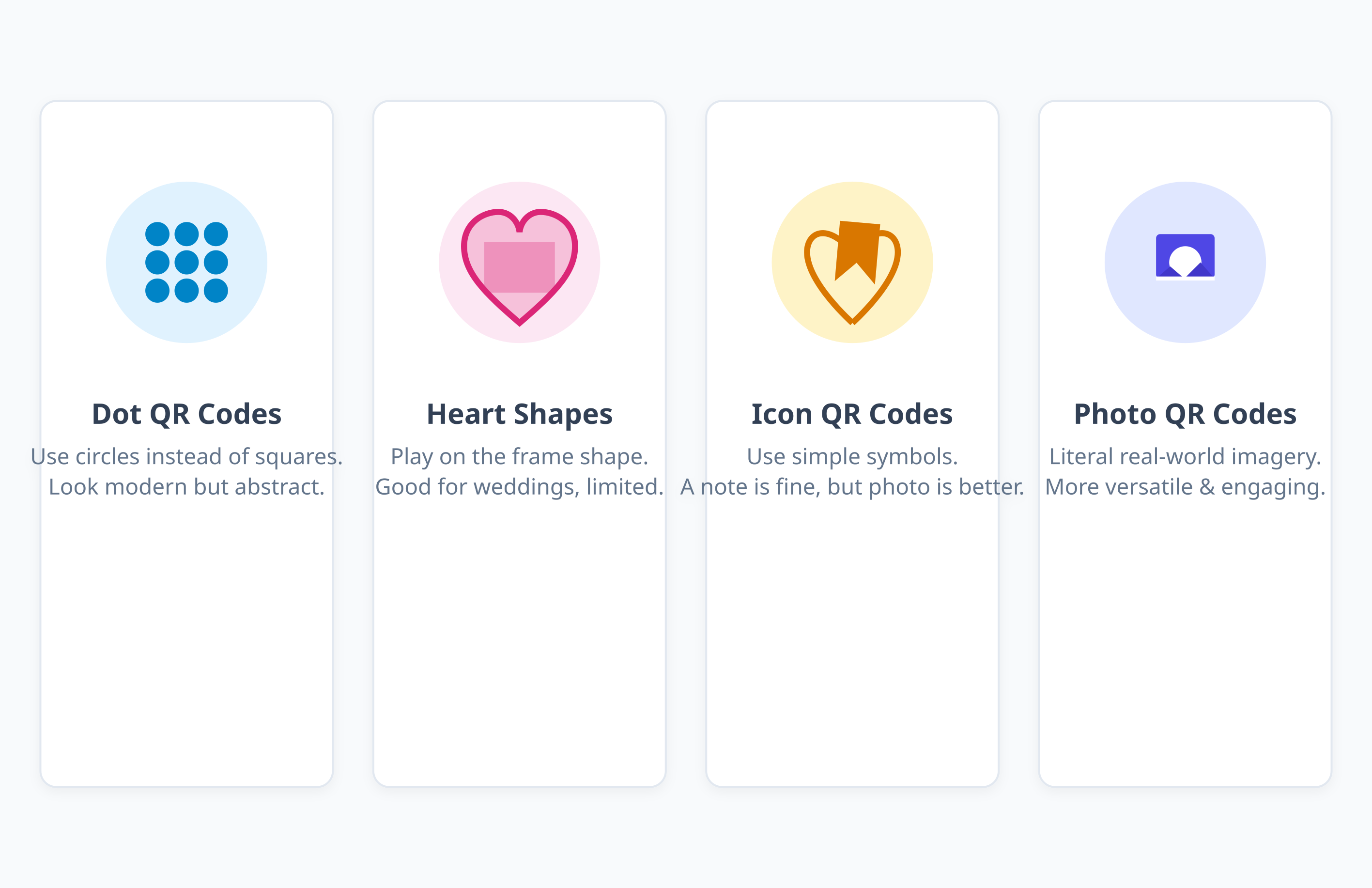
Everyday QR code examples include a restaurant table code that opens a digital menu, a boarding pass code at the airport, a Wi-Fi login code taped to a router, and a payment code at a till. Styled examples — logo codes, photo codes, dot codes, and colored codes — do the same job while also carrying a brand's look.
| Example type | What it looks like | Typical use |
|---|---|---|
| Standard black-and-white | Plain grid of black squares on white | Menus, posters, Wi-Fi cards |
| Logo QR code | Standard grid with a small graphic in the empty center | Business cards, event flyers — see the logo-centered QR code guide |
| Photo QR code | A full photograph with the scan pattern overlaid or blended in | Packaging, real estate signs, tickets |
| Dot QR code | Circular dots instead of square modules | Dot QR codes for a softer, modern look |
| Heart-shaped QR code | Modules arranged inside a heart frame | Heart-shaped QR codes for weddings and invitations |
| Icon QR code | A simple symbol dropped into the code | Icon QR codes for quick brand recognition |
| Colored QR code | Brand colors instead of plain black ink | Colored QR codes for consistent branding |
Of all of these, the photo QR code is the most literal — everything else abstracts the design, while a photo code shows you exactly what you're getting before you scan.
How Are Photo QR Codes Different from Logo QR Codes?
A logo QR code keeps the standard black-and-white grid intact and drops a small graphic into the empty center. A photo QR code is more involved: the image runs across the entire surface, with the scan pattern overlaid, made semi-transparent, or color-matched to the photo beneath it.
A restaurant might use a logo code with its crest in the center for a simple, cheap option — the guide to creating a logo-in-center QR code covers that version step by step. A photo code goes further, showing a full-color shot of the signature dish, with the scan pattern visible but subtle across the whole square.
What Makes a Good QR Code Image?
A scannable QR code image needs at least 1000×1000 pixels of source resolution, Level H error correction so up to 30% of the pattern can be covered by artwork, strong contrast between the light and dark areas, and a vector or high-resolution file for print — none of which are optional if you want the code to work in the wild.
Resolution: start with at least 1000x1000 pixels. Stretch a small JPG and the code turns pixelated, which scanners struggle with.
Error correction: Level H is non-negotiable. It's the only setting that lets the code function when a third of it is obscured by a photo.
Contrast: even a moody, dark photo needs the QR pattern to stand out. Most generators automatically darken the image or lighten the overlay to force enough difference between light and dark areas — a photo of a black cat in a dark room simply won't scan.
File format: use PNG or SVG for print. Don't stretch a low-resolution screenshot and hope it holds up at poster size.
Can You Make a Handmade QR Code?
Yes — you can hand-draw a QR code by filling in a grid of squares by hand, but one misplaced pixel can break the scan entirely. In practice, most "handmade" QR codes today are made digitally: a designer starts from a generated code and hand-tunes the colors, frame, or photo overlay rather than drawing the modules from scratch.
That distinction matters for anyone doing wedding stationery, hand-lettered posters, or craft packaging. A generator that supports photo and image blending gives you the handmade look — a genuinely custom, one-off feel — without the risk of a single wrong square making the whole code unreadable.
How Do You Make a QR Code from a Photo or Image?
To make a QR code from a photo, generate the underlying code first — usually from a shortened link — then upload your image into a generator that supports Level H error correction and photo blending. The tool merges the picture with the scan pattern automatically, no manual grid work required.
Shorten your link. Create a short URL in your Smler dashboard first. It keeps the underlying code cleaner and easier to update later.
Open the generator. Select "Photo" or "Image" style in the QR tool.
Upload. Pick your high-resolution photo or image file.
Tweak. Adjust how heavy the QR overlay looks — heavier scans better, lighter looks better.
Verify. Use the built-in scanner test before you go anywhere near print.
Download. Grab the SVG for print or PNG for web.
If you're still comparing tools before committing, this QR code generator comparison breaks down which platforms pair tracking with photo and image styles.
What Is a Personalised QR Code?
A personalised QR code is any code customized beyond the default black-and-white grid — with brand colors, a logo, a frame, or a full photo — so it reflects who made it while still scanning reliably. A photo QR code is simply the most personal version of that idea, since the image itself carries the personality.
Personalization usually happens on a sliding scale: swap the ink color first, add a logo or frame next, and only move to a full photo overlay once you're confident about contrast and print size. Each step adds visual interest but also adds risk to scannability, so test at every stage rather than jumping straight to the most elaborate version.
Where Do Photo QR Codes Work Best?
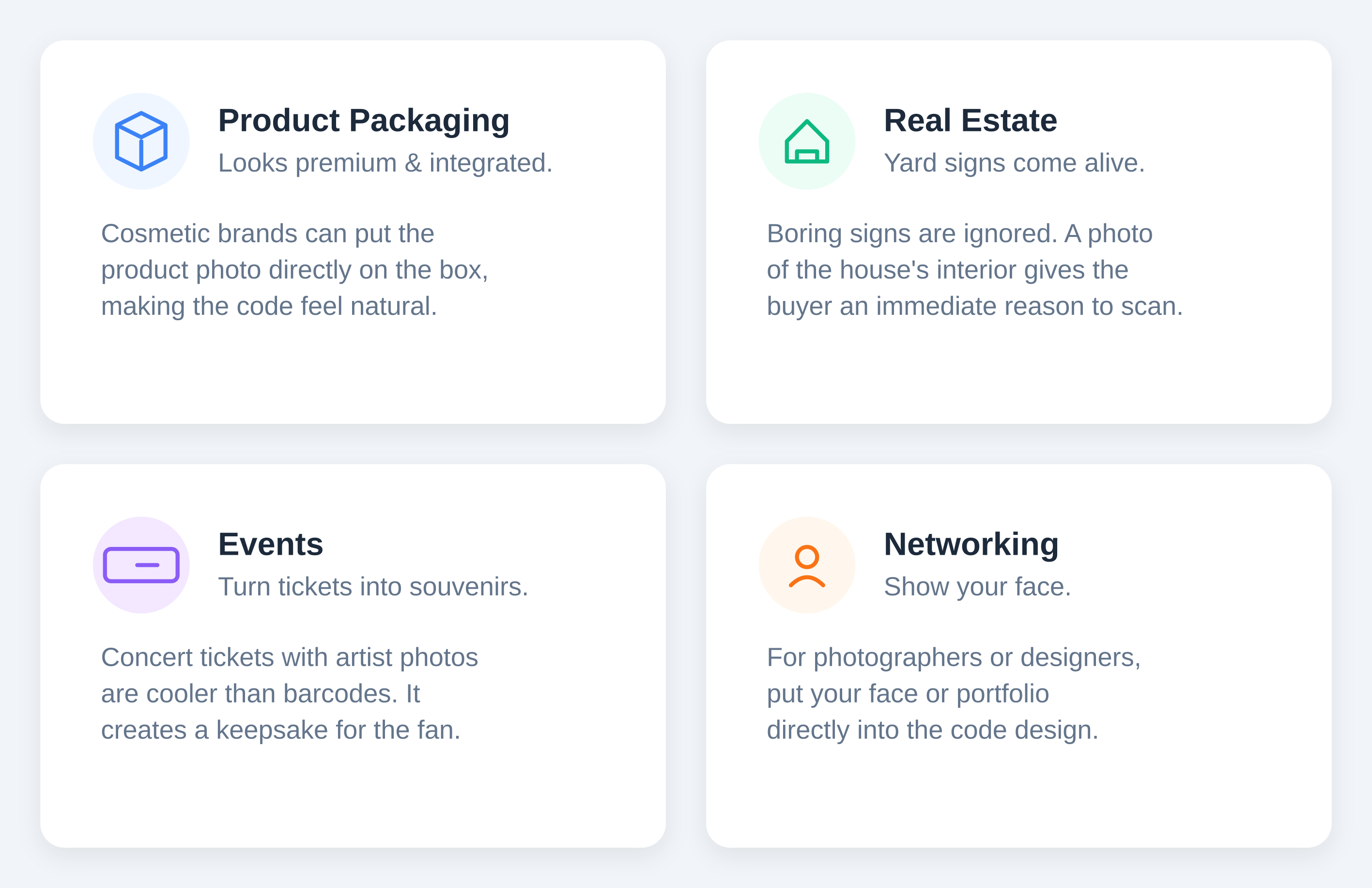
Photo QR codes earn their place wherever the image itself helps sell or explain something — product packaging, real estate signage, event tickets, restaurant tables, and business cards. If the picture doesn't add information the scan wouldn't already give, a simpler black-and-white code is usually the better, cheaper choice.
Product packaging. A cosmetic brand can put a photo of the product right on the box. It looks premium and makes the code feel integrated, not stuck on.
Real estate. Yard signs are boring. A sign with a photo of the house's interior gives the buyer an immediate reason to scan.
Events. Concert tickets with the artist's photo are more collectible than a generic barcode — it turns the ticket into a souvenir.
Networking. Photographers and designers who put their face or best shot on a business card code show what they do before anyone even scans.
Restaurants. Codes with food photos on tables outperform text menus, especially for tourists who might not read the language.
These work particularly well as part of a broader offline marketing campaign, where the code has to stop foot traffic, not just carry a link.
Design Tips for a Scannable Photo QR Code
Keep the photo simple. Busy backgrounds get cluttered once a grid of dots is overlaid. Portraits and product shots on solid backgrounds work best.
Watch the center. The middle is usually the safest place for the main subject, since error correction is most flexible there.
Size matters. Don't print these at one inch. Two by two inches is the practical floor if you want the photo to stay recognizable.
Test, then test again. Scan the result on an iPhone and an Android in a dim room. If it fails once, adjust the contrast before printing.
Common Pitfalls to Avoid
Low contrast. Dark photos are risky. If the scanner can't distinguish the dots from the background, the code is useless.
Tiny codes. Small codes lose image detail and become hard to scan. Stick to 2 inches or larger.
Desktop-only landing pages. Everyone scans with a phone. A link that opens a site that doesn't work on mobile wastes the scan.
Zero testing. Never send a photo QR code to print without scanning the proof on multiple devices first.
How Do You Track a Photo QR Code's Performance?
Because a photo QR code still resolves to a normal short link, every scan can be tracked for location, device, and time of day — which makes it easy to A/B test two photos and see which one actually drives more scans, not just which one looks better on a screen.
The analytics dashboard shows this breakdown automatically. For a deeper walkthrough of what to measure and how to read it, the complete guide to tracking QR codes covers setup end to end.
Where Photo QR Codes Are Headed
AI-assisted generators are making this easier, auto-optimizing contrast before you even see the result. Some codes are starting to simulate motion by cycling through images, and others trigger AR — a furniture catalog code might drop a 3D model of the sofa into your room instead of just opening a page.
Personalization is creeping further in too: imagine a mailer with a code featuring the exact car model you looked at online, generated automatically per recipient rather than designed once for everyone.
FAQs
Q: What is a QR code?
A: A QR code is a two-dimensional barcode that a phone camera can scan to open a link, contact card, Wi-Fi network, or other piece of data instantly. Unlike a traditional barcode, it can be read from any angle and holds far more information.
Q: What's the difference between a QR code and a barcode?
A: A QR code stores data in a 2D grid and can hold thousands of characters; a traditional barcode is a 1D line pattern that usually only holds a short numeric string, like a product code, and must be scanned left to right.
Q: What's an example of a QR code?
A: A restaurant menu code on a table, a Wi-Fi login code on a router, a boarding pass at the airport, and a branded photo QR code on product packaging are all common examples — same underlying technology, different styling and purpose.
Q: Can you really make a QR code from any photo or image?
A: Almost any photo works if it's high-resolution and reasonably simple in composition. Dark, busy, or low-contrast images are the exception — the generator needs enough contrast between light and dark areas to keep the code scannable.
Q: What is a personalised QR code?
A: It's any QR code customized with your own colors, logo, frame, or photo instead of the default black-and-white grid, so it reflects your brand or personal style while still functioning as a normal scannable link.
Q: Can I hand-draw a QR code myself?
A: Technically yes, by filling in a grid by hand, but one wrong square can break the scan. Most people get the same handmade look more reliably by uploading custom artwork or a photo into a generator instead.
Q: Can I change the link after a photo QR code is printed?
A: Yes, if it's a dynamic QR code pointing to a short link. You can update the destination in your dashboard anytime without reprinting the code itself.