
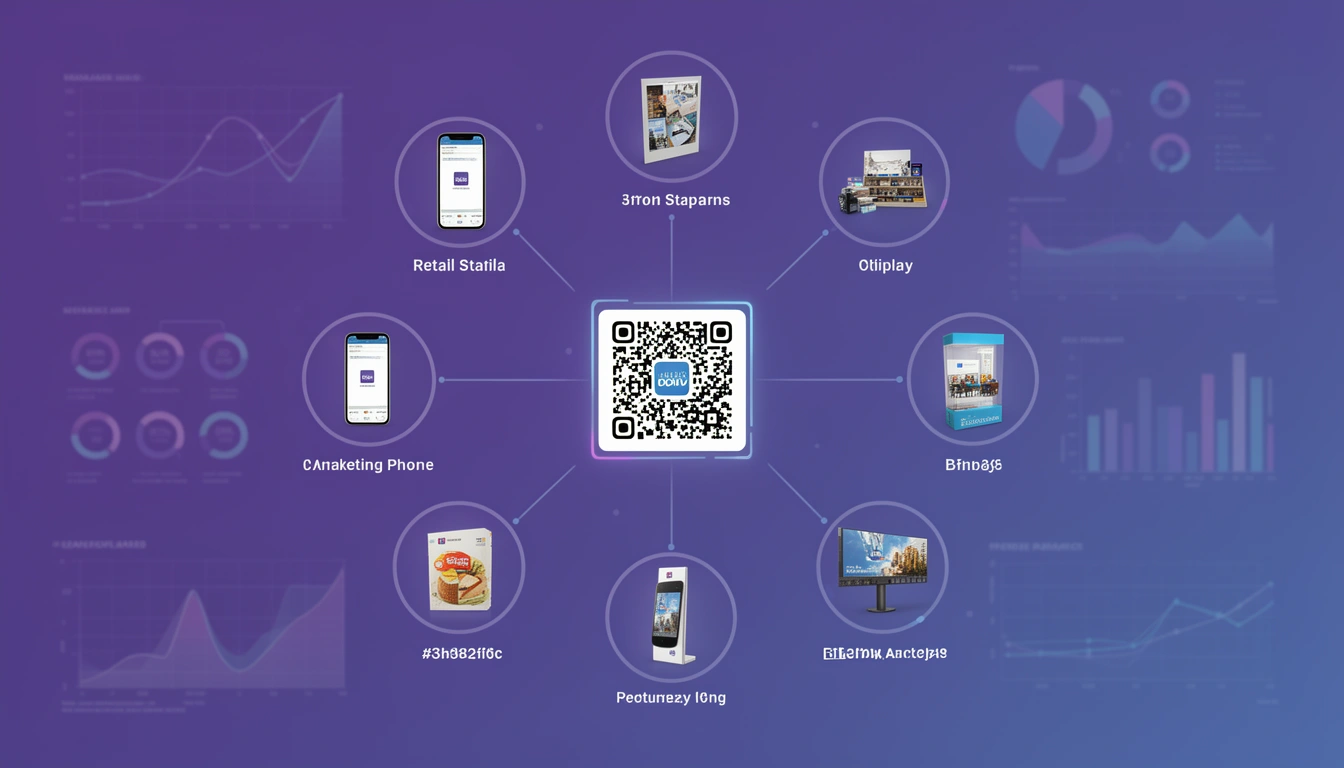
QR code marketing is still growing in 2026, not because the format is new, but because the tracking behind it finally caught up. Every scan can now be tied to a location, a device, and a conversion, which turns a flyer, a poster, or a product label into a measurable channel instead of a guess. The overlap between QR codes and marketing used to be mostly novelty; this guide covers how placement, design, mobile behaviour, events, social media, and tracking actually fit together in a campaign that gets measured.
What is QR code marketing?
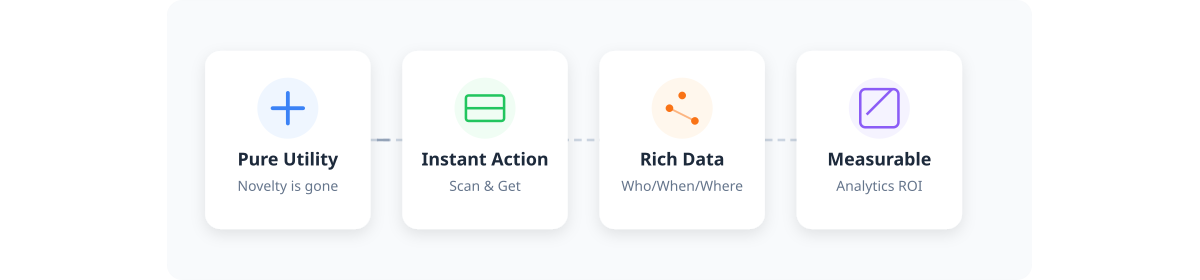
QR code marketing is the practice of using scannable codes to connect a physical touchpoint, packaging, a poster, a receipt, a billboard, to a tracked digital destination such as a landing page, offer, or app screen. The role of QR codes in marketing has shifted from a novelty add-on to a standard attribution tool, because the data behind each scan now matters more than the scan itself.
You can see who scanned, when, where, and on what device. That turns a flyer in a mailbox into a measurable click rather than a hope. Tools like Smler's QR code generator with tracking create codes that look professional and feed data straight into your analytics dashboard, so a single physical placement stops being a black box.
How does QR code mobile marketing work?
QR code mobile marketing works by using a phone's camera to open a link directly in the mobile browser or app, skipping a typed URL entirely. Because the destination is mobile by default, the relationship between QR codes and mobile marketing only pays off if the landing page, offer, and call to action are all built for a phone screen from the start, not adapted from a desktop page afterward.
This is what mobile marketing QR campaigns depend on getting right: the moment someone scans, they're already holding the device the page needs to load fast on. If you have a mobile app, pair the code with deep linking so the scan opens the exact product or offer screen inside the app instead of a generic homepage, with a web fallback for anyone who hasn't installed it yet.
Where should you place QR codes in a marketing campaign?
The right placement depends on how much attention the viewer has and what action you want next. Here's how the most common placements compare:
| Placement | Best use | Key tip |
|---|---|---|
| Product packaging | How-to videos, sourcing info, discounts | Tell them what they get. "Scan for 10% off" outperforms a mystery code |
| Print ads and direct mail | Measuring placement ROI | Use bulk URL shortening to generate a unique code per mail piece or recipient |
| Flyers and handouts | Events, local promotions, launches | Size, contrast, and a clear call-to-action matter more than design flair, see the flyer design guide |
| In-store signage | Product specs, comparisons, after-hours browsing | Account for viewing distance and indoor lighting, see the sign design guide |
| Events | Badge check-ins, digital business cards, lead capture | Pair with deep linking to send people straight into your app |
| Merchandise and apparel | Turning wearers into mobile touchpoints | Chest or back placement works best, see the t-shirt marketing guide |
| Social media | Bridging offline audiences to profiles or Messenger | See the Facebook QR code guide for printed-material tie-ins |
| Banners and signage | Street banners, trade shows, storefronts | Size for viewing distance, see the banner design guide |
| Vouchers | Referral programs, loyalty cards, flash sales | Real-time redemption data beats paper coupons, see the voucher strategy guide |
For purely offline campaigns, an entire guide is worth reading on its own: QR code deep links for offline marketing covers packaging and print in more depth than fits here. Whatever the placement, the pattern holds: give someone a specific reason to scan, and make the scan easy given the context they're in.
How do you design a QR code people will actually scan?

The codes that get scanned are branded, specific about the payoff, and land on a mobile-first page. Plain black and white still works technically, but branded codes perform better in practice. Match your colors, keep contrast high, and consider putting your logo in the center. Smler lets you create QR codes with your logo in the center, which helps with recognition.
Never assume people will scan just because the code is there. Be specific: "Scan for 20% off," "Watch the video," or "See reviews." Make sure the landing page is mobile-first since a QR code leads to a phone, and a desktop-shaped page that takes several seconds to load costs you the conversion you just earned. Use custom OG tags so the link still looks good if someone shares it later.
Design also affects whether people bother in the first place. Boring codes get ignored; creative, well-designed ones catch the eye. For inspiration, check out these interesting QR code examples that blend form and function, or the lighter side of the format in QR codes for fun: 15 creative ideas and projects.
What are the best QR code marketing ideas for 2026?
The best QR code marketing ideas give a mobile user a reason to act within seconds of scanning, usually a discount, a video, a form, or a direct line into your app. The strongest ideas right now:
- Receipt feedback codes, turning a printed receipt into a quick survey with a reward attached.
- Packaging unboxing videos, showing how to use or style a product the moment it's opened.
- Loyalty and referral codes, letting a code double as both a reward claim and a tracked referral link.
- Out-of-home ad codes, sized for the actual viewing distance of a billboard or transit poster.
- Restaurant menu codes, where the digital version renders images and add-ons better than paper.
Pick one or two ideas that match where your audience already is, rather than scattering codes across every material you own.
How do you use QR codes for event marketing?
Event marketing QR codes work best for badge check-ins, lead capture, and digital business cards, because they remove the friction of typing details into a phone in a crowded room. A code on a badge or booth banner can log an attendee's interest in real time instead of relying on a stack of business cards collected and entered later.
Pair the code with deep linking so attendees land directly inside your app or a specific session page instead of a generic event homepage, and use a unique code per booth or session so you can see which parts of the event actually drove interest after it's over.
How do you use QR codes for social media marketing?
QR code social media marketing works by bridging an offline audience, people in a store, at a print ad, or holding a product, straight to a social profile, post, or Messenger chat without them having to search for your handle. It's one of the more reliable ways to convert foot traffic into a follow.
The Facebook QR code guide covers how to tie printed materials to a profile or Messenger flow in more detail. The same approach works for Instagram, TikTok, or WhatsApp links; the code just needs to point somewhere mobile-first that matches the platform people expect to land on.
How do you build a QR code marketing strategy?
A QR code marketing strategy works best as a short loop: pick a goal, choose the right placement, design for the payoff, track the results, and keep what works. Skipping the tracking step is the most common reason a strategy stalls.
- Define the single action you want from a scan, a purchase, a signup, a follow, not three things at once.
- Match the placement to the action: packaging for product info, events for lead capture, print for discounts.
- Design the code and the landing page together, so the promise on the code matches what the page delivers in the first second.
- Generate a unique link per placement so you can tell which version is actually working.
- Review scan and conversion data on a schedule, then retire what's underperforming instead of letting it run forever.
How do you track QR code marketing performance?
You track QR code marketing performance by watching scan rate, time and location, and conversion rate, then testing variations against each other rather than guessing which one is working. A single number in isolation tells you almost nothing; the value comes from comparing.
| Metric | What it tells you |
|---|---|
| Scan rate | Did the placement earn attention? Low scan rate usually points to size, contrast, or a weak call-to-action |
| Time and location | When and where people scanned, useful for spotting which physical placement or region is actually working |
| Device and OS breakdown | Confirms whether your landing experience matches how people are actually arriving |
| Conversion rate | Did the scan turn into a signup, purchase, or download, the metric that ties the code back to revenue |
A simple process for testing:
- Generate a separate short link and QR code for each variation you want to test, a different offer, headline, or placement.
- Run them for the same time window so you're not comparing a weekend flyer to a weekday one.
- Pull scan and conversion data from your analytics dashboard and compare like against like.
- Keep the winner, retire the loser, and roll the next variation into the same slot.
For a deeper walkthrough of the dashboard side of this, see how to track QR codes: complete analytics guide. Smler's link-level analytics gives you the geographic data, device breakdowns, and time trends needed to run this loop without guesswork.
What advanced QR code strategies actually move the needle?
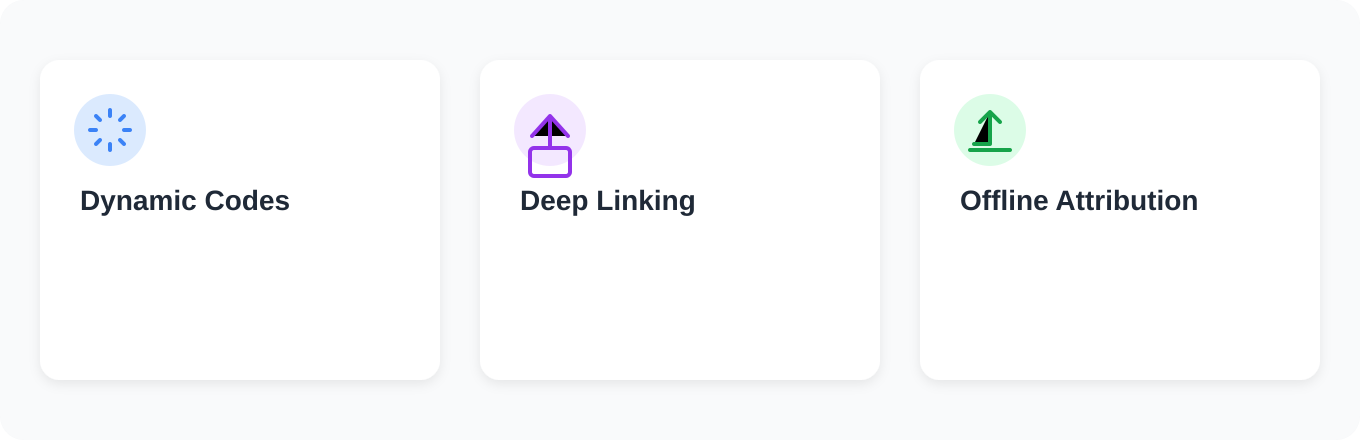
The strategies that separate a decent campaign from a genuinely measurable one are dynamic destinations, deep linking, and cross-channel attribution.
| Tactic | What it solves |
|---|---|
| Dynamic QR codes | Change the destination after the code is already printed, fix a broken link or swap an offer without reprinting anything |
| Deep linking | Scan a code and land directly on the specific product page inside your app instead of a generic homepage. If the app isn't installed, deferred deep linking routes people to the right place after they install it |
| Attribution | Connects offline placements to online sales, so you can finally tell whether that expensive print ad actually drove traffic |
These three tactics work together: dynamic codes keep your physical materials evergreen, deep links keep the app experience frictionless, and attribution tells you whether the whole effort was worth the budget.
Which QR code platform should you use for marketing?
Choose a platform that combines QR generation with link-level analytics, branded domains, and bulk creation. Treating QR codes as a standalone generator with no tracking behind them wastes the entire point of using them for marketing. A few things worth checking before you commit to marketing QR codes and the platform behind them:
- Custom domains and branding: a shortened URL under your own domain builds more trust than a generic one, and it's what shows up if someone screenshots or shares the link.
- Bulk generation: if you're running direct mail, packaging, or multi-location signage, you need to upload a CSV or spreadsheet and generate hundreds of unique codes at once rather than one at a time.
- Compliance headers: if any part of your campaign touches SMS, markets with regulatory requirements, like India's TRAI DLT rules, need compliance-ready links so campaigns don't get blocked. See the TRAI compliance breakdown if SMS is part of the plan.
- Deep linking support: if you have a mobile app, confirm the platform supports iOS Universal Links and Android App Links with fallback URLs, not just a generic redirect.
- Team access: if more than one person manages campaigns, look for shared plans that support multiple team members without duplicating accounts.
If you want a side-by-side of options before deciding, the best QR code generator with tracking: 2026 comparison lines up the main contenders. Smler's QR code generator covers the checklist above, so the same link that powers your QR code also feeds your analytics, respects compliance requirements, and works whether the scan happens in-store, in the mail, or on a t-shirt.
What QR code mistakes should you avoid?
The most common mistakes are sizing codes too small for the viewing distance, placing them where there's no signal, and forgetting a fallback for people who can't scan. Tiny codes on huge billboards get zero scans; no one can hold a phone steady enough at that distance. Codes on subway walls fail for a different reason: no signal, no landing page, no conversion. Use some common sense: match the code size to how far away the viewer will be, and always include a text URL as a backup for anyone who can't or won't scan.
Do QR code marketing campaigns actually work?
Yes, when the placement gives people something useful instantly. Retailers using codes on receipts for feedback see notably strong response rates, and restaurants using them for menus tend to see higher add-on sales because the images render better on a screen than on paper. The common thread across every example that works: the scan led somewhere genuinely worth the two seconds it took.
Want to see what this looks like in practice? Real brands are running QR code campaigns right now, some sharp, some fumbled. We've collected the best QR code examples from actual ad campaigns and broken down what worked, what flopped, and why. Theory only gets you so far; seeing how companies execute, or don't, is where the practical lessons live.